
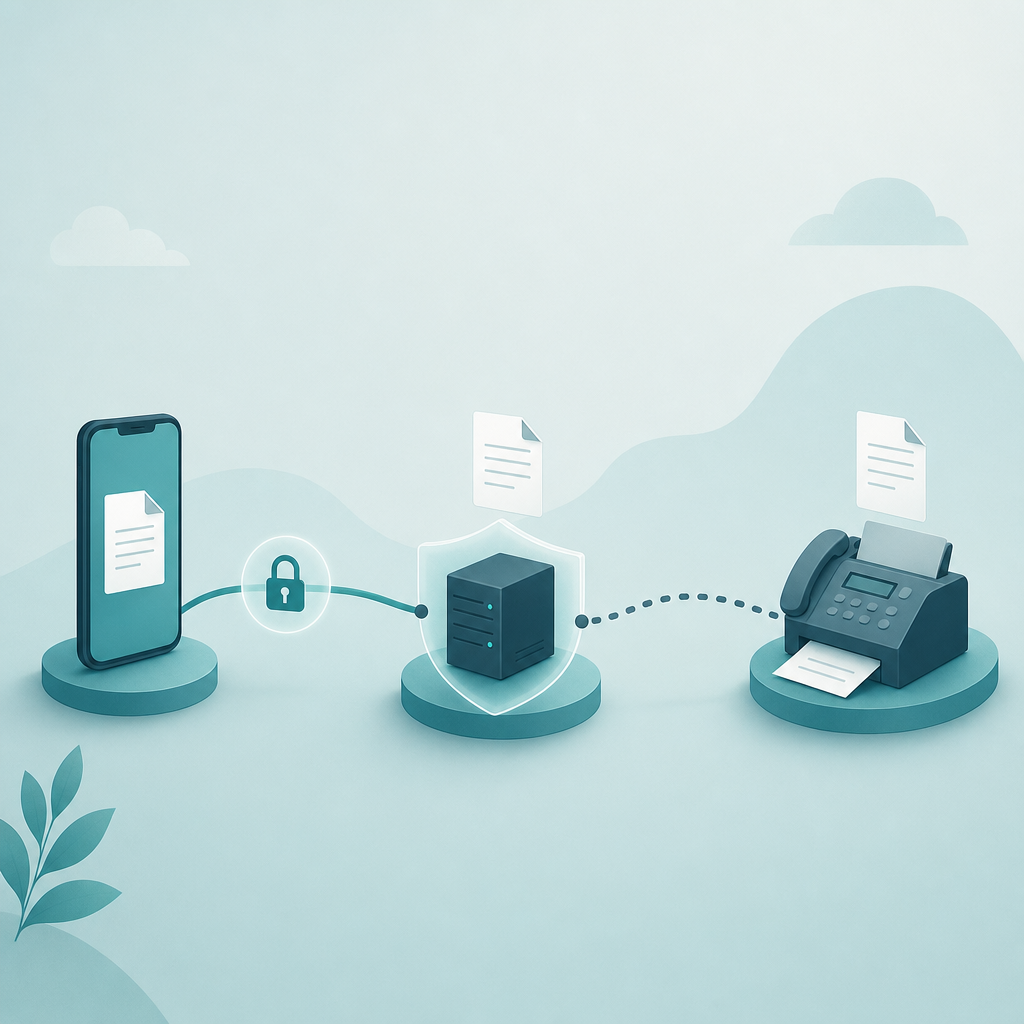
Phone fax security depends on the actual provider, transmission route, retention practices, and recipient workflow. An app label alone does not establish encryption or HIPAA compliance.
Check every stage of the workflow
A mobile fax workflow may involve a saved scan, an upload to a provider, processing or storage, transmission, and a recipient’s device. Ask the provider which stages it supports and how data is protected at each one.
Do not assume that the upload always uses a particular encryption configuration or that the destination route has no protection. Fax protocol names describe transport behavior; they do not by themselves verify the complete security configuration of a particular service.
HIPAA requires a suitable arrangement
For US healthcare use, HHS guidance on cloud service providers explains that protected health information can require a business associate agreement and an appropriate risk assessment. Encryption alone is not a complete compliance program.
This guide does not establish that Fax Scan is approved for your organization’s regulated documents or that a required agreement is available. Confirm those conditions with the provider and your organization before sending protected information.
Review the scan, retention, and destination
Confirm the destination number from a trusted source and review every page before sending. Keep only the sensitive identifiers that the recipient requires. A delivery report does not prove that the intended individual read or correctly filed the document.
Check whether a copy is saved in the app, shared photo library, cloud backup, or export folder. A scanner such as Scan Cam can help create a document, but local-only storage, no uploads, and automatic deletion must be confirmed from the current product’s policy and settings.
Choose the channel the recipient and your policy allow
Fax and email have different workflows; neither is automatically the safer option in every configuration. Use a channel your recipient accepts and your organization permits. Verify security and retention documentation rather than relying on a bank-grade or HIPAA badge.
Fax Scan is a document and fax tool, not a legal or compliance service. For a regulated use, resolve contractual and security questions before you transmit.
Related resources
For the related workflow and its limits, read: How to Scan a Document to PDF on iPhone and Android (No Extra Hardware).