
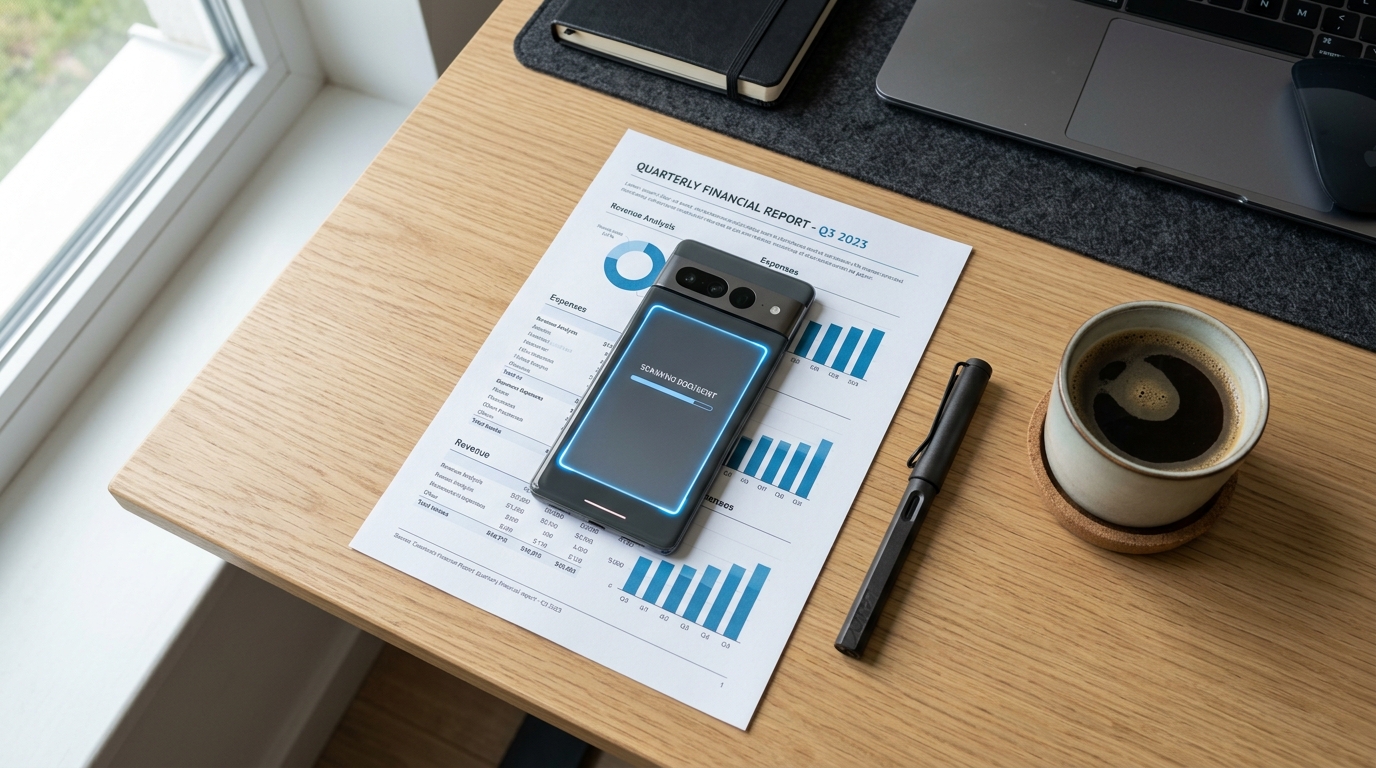
Your phone’s default camera is quietly sabotaging your most important financial transactions. I say this bluntly because, in my years analyzing communications technology and VoIP security frameworks, I constantly see professionals treating highly sensitive paperwork like casual social media posts. They snap a poorly lit photo of a tax form, hope the text is legible, and hit send.
Technically speaking, a dedicated mobile document scanner is a specialized utility that uses localized edge detection and optical character recognition (OCR) to convert physical paper into flattened, high-contrast digital files suitable for formal transmission. It is fundamentally different from a standard photography app. Yet, a vast majority of users still conflate the two.
According to the Mobile App Trends 2026 report from Adjust, alongside their 2025 financial app insights, consumer banking applications have surpassed 2 billion downloads, and overall finance apps generated over 7 billion downloads globally. We are managing our financial lives entirely on our devices. However, the way we process the underlying paperwork—loan agreements, identity verifications, and legacy contracts—remains plagued by outdated habits and misconceptions. It is time to clear the air.
Audit Your Mobile Toolkit for Hidden Risks
The Myth: Any "scanner app free" listed in the app store is perfectly fine for processing personal documents.
The Reality: Not all utilities are built with privacy in mind. When you search for a generic PDF scanner, you are often met with applications that monetize your data through intrusive ad networks or cloud processing. A major finding in the 2026 mobile app economy is the shift toward "data-light" user behaviors and infrastructure-level AI. Users are rejecting heavy, ad-laden tools that drain data and battery.
When an app requires a connection to convert a photo to PDF, it is likely sending your unencrypted tax return or medical record to a third-party server to be processed. As my colleague Cem Akar explained in his detailed post on why on-device AI is replacing cloud-based scanners, private localized processing is no longer a luxury; it is a baseline security requirement.
Ditch the Default Camera for Financial Paperwork
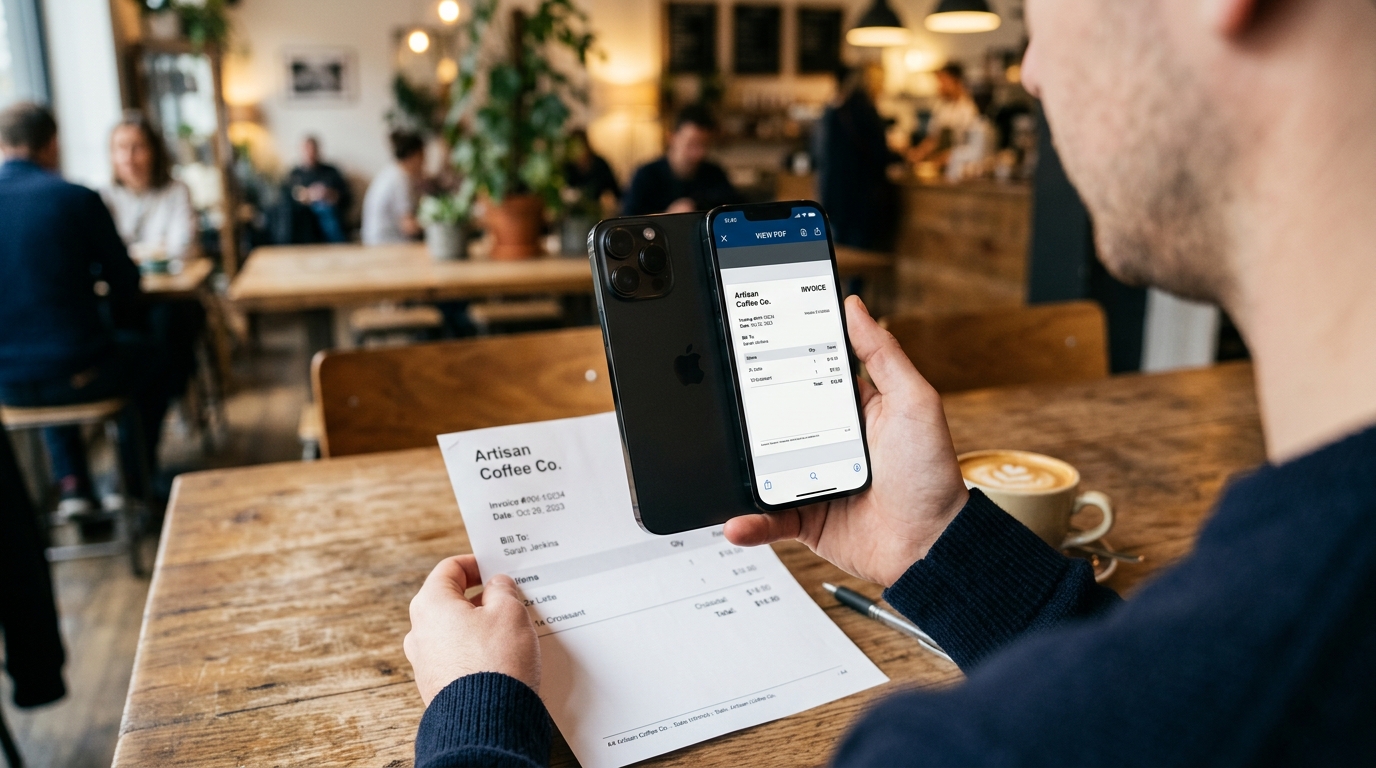
The Myth: Taking a high-resolution picture is just as good as creating a proper scan to PDF file.
The Reality: A photograph includes metadata, warped perspectives, uneven shadows, and massive file sizes. If you are uploading a document to a government portal or sending it to a financial institution, a raw JPEG often leads to automatic rejection by their automated systems.
You need to convert to PDF using tools designed for legibility. A dedicated document scanner isolates the text, strips out the background noise, and creates a lightweight doc that meets bureaucratic standards. The process of converting photos to PDF requires specialized contrast adjustments that a standard camera simply does not perform. Whether you are using a cam scanner alternative or a native utility, the output must be a clean, monochrome or flattened color file.
Process Sensitive Files Without Desktop Software
The Myth: You need a desktop PDF editor or a complex suite to properly format, edit, and combine multiple JPG to PDF files.
The Reality: The computing power in your pocket rivals traditional desktops. The Adjust report highlighted that AI technologies are transitioning from strategic novelties to core infrastructure in 2026. This means the heavy lifting required for creating flawless PDF photos or merging documents happens directly on your device’s neural engine.
Freelancers and small business owners no longer need to transfer images from their phone to a computer just to compile an invoice. You can scan, crop, merge, and export high-quality documents entirely within a secure mobile ecosystem.
Bridge Modern Wallets with Legacy Systems
The Myth: Because digital wallets are projected to drive $3 trillion in global payments by 2028, legacy transmission methods like faxing are completely obsolete.
The Reality: The financial world is deeply fragmented. While you might trade crypto on a sophisticated trading app, the moment you interact with a healthcare provider, the IRS, or a legacy insurance broker, you will hit a digital brick wall. These institutions legally require secure, point-to-point document transmission—which often means fax.
You do not need to hunt down physical hardware, though. If you want a secure bridge between your modern smartphone and these older institutional systems, Fax Scan: Send & Receive PDF is designed for that specific purpose. It allows you to utilize a professional tool to fax from iPhone free of the typical security risks associated with public portal vulnerabilities. You scan the paperwork locally, convert it into a private, high-quality file, and transmit it directly to the receiver's machine.
Choose Your Document Utility Wisely
If you are re-evaluating your mobile workflow, apply these strict selection criteria before trusting an app with your financial life. I use a similar checklist when auditing mobile communications apps and VoIP solutions:
- On-Device Processing: Ensure the app performs PDF converter operations locally. If it needs Wi-Fi to crop or flatten an image, it is exposing your data to the cloud.
- Ad-Free Architecture: Intrusive ads aren't just annoying; they are tracking mechanisms. Professional tools should not interrupt a secure file transmission to show you a video ad.
- Native Hardware Integration: Look for utilities that utilize the phone's native camera API for edge detection rather than simply acting as a wrapper for a web service.
- Direct Transmission: The ability to scan and send via secure protocols (like encrypted VoIP lines for fax) without relying on third-party web portals is essential for compliance.
Address Your Lingering Document Doubts
Is it actually safe to send financial forms from my phone?
Yes, provided you are using an app that processes the scan locally and transmits it via encrypted channels rather than uploading the file to a public web server for conversion.
Why do some institutions reject my scanned pictures?
Automated sorting systems at large banks rely on OCR to read incoming files. If you submit a shadowed, poorly cropped photograph instead of a flattened PDF, their software cannot read the text, resulting in immediate rejection.
By understanding how modern mobile infrastructure works, you can protect your privacy, avoid frustrating delays, and handle demanding paperwork with the same efficiency you apply to your digital banking.