
Stop Letting the Word Document Dictate Your Workflow
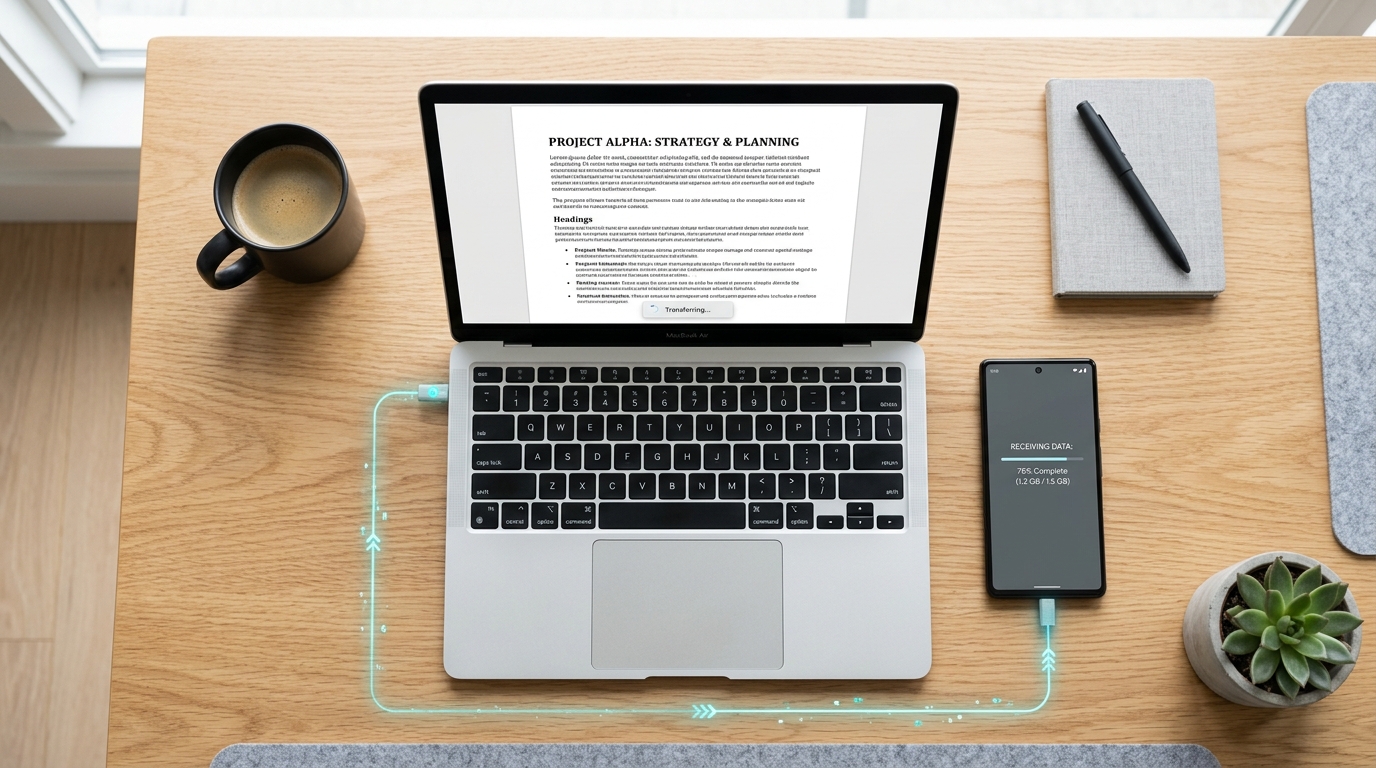
The humble word document is secretly the biggest bottleneck in mobile productivity. The most efficient way to handle files on the go is to convert them directly into PDFs within a dedicated mobile utility, rather than fighting with formatting issues on a tiny screen. In my years as a UX researcher mapping out how people actually use mobile tools, I've noticed a massive disconnect between desktop authoring and mobile transmission. We recently crossed a significant retention milestone with our user base, and reviewing that data revealed a glaring pattern. The users who successfully transitioned to mobile workflows didn't just find a better way to send files—they fundamentally changed how they manage a file before it ever leaves their device.
People assume that because typing up a file on a laptop is easy, sending it from a phone will be too. But statistics tell a different story about our reliance on desktop-first formats. According to recent market data highlighted by Sci-Tech Today, we generate over 2.5 trillion documents annually, with 60% of those being text files. Similarly, an Infoware Group analysis found that 90% of legal professionals use Word every single day, with 63% calling it "crucially important" to their daily operations. We author on desktops, but we increasingly manage, approve, and transmit on phones. That friction point is where most workflows break down.
Compare the Workflows Side-by-Side
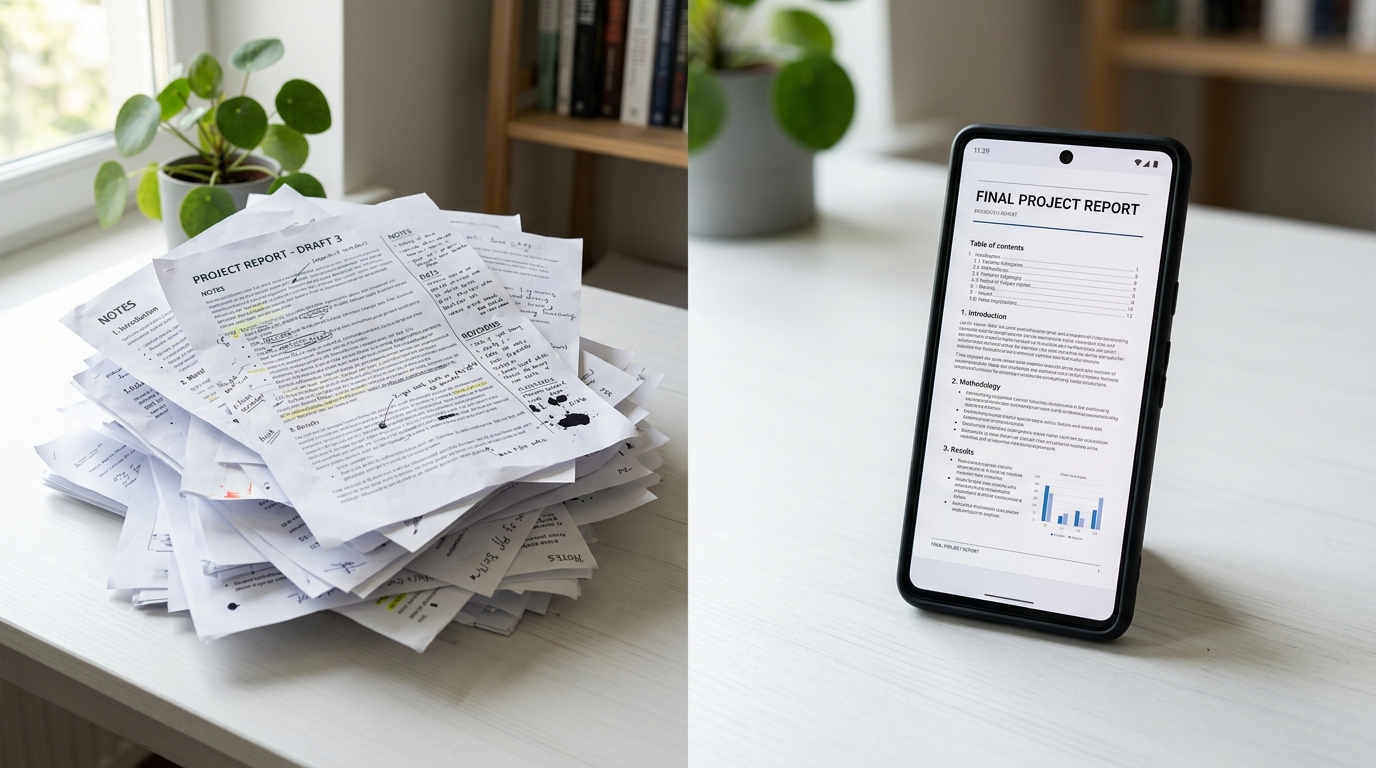
When I watch users attempt to send formal paperwork, I generally see two distinct approaches. Comparing these methods side-by-side illustrates exactly why one leads to frustration and the other drives long-term retention.
The Legacy Desktop Bridge
In this approach, a user drafts a contract or proposal as a word document on their computer. When it's time to send it formally (often as a fax or secure submission), they email the file to their phone. Opening a complex file on a mobile device immediately introduces formatting risks. Margins shift, signature lines break across pages, and custom fonts default to system standards. To fix it, the user often resorts to printing the file, signing it physically, and searching for a hardware fax machine.
The Mobile-Native PDF Pipeline
Conversely, our most retained users follow a stricter, cleaner sequence. They finish their authoring on a desktop, but immediately export the file as a PDF before transferring it to their mobile device. If they have physical attachments, they bypass the flatbed scanner entirely. Instead, they use a reliable document scanner right on their phone to digitize receipts or addendums. This locked-in PDF format is then securely transmitted. The layout is preserved, the text remains searchable, and the transmission succeeds on the first attempt.
Lock Down Your Formatting Before Sending
It is surprisingly common for people to send editable text files when they meant to send finalized paperwork. This isn't just an aesthetic issue; it's a data integrity risk. Academic and institutional guidelines frequently warn against this. For instance, instructions from Kent State University's LibGuides explicitly advise users exporting Qualtrics surveys that printing to a PDF ensures the file looks exactly like the original version, whereas a standard Word export generally fails to carry over the correct look, feel, and formatting.
This same principle applies to your daily mobile transmissions. If you attempt to send an editable file through a mobile utility, the receiving machine or software has to render that text on its end. A specialized pdf scanner locks the visual layer into place. When users need to mix digital files with physical paper, finding a high-quality scanner app free of intrusive ads becomes essential. As my colleague Serkan Eren explained in his analysis of 50,000 user actions, people who adopt a strict scan to pdf habit report far fewer transmission errors than those who constantly juggle raw image files and text documents.
Select the Right Mobile Utility
Not all apps handle file conversions equally. When evaluating your tools, you need to look beyond surface-level features and test the underlying document engine.
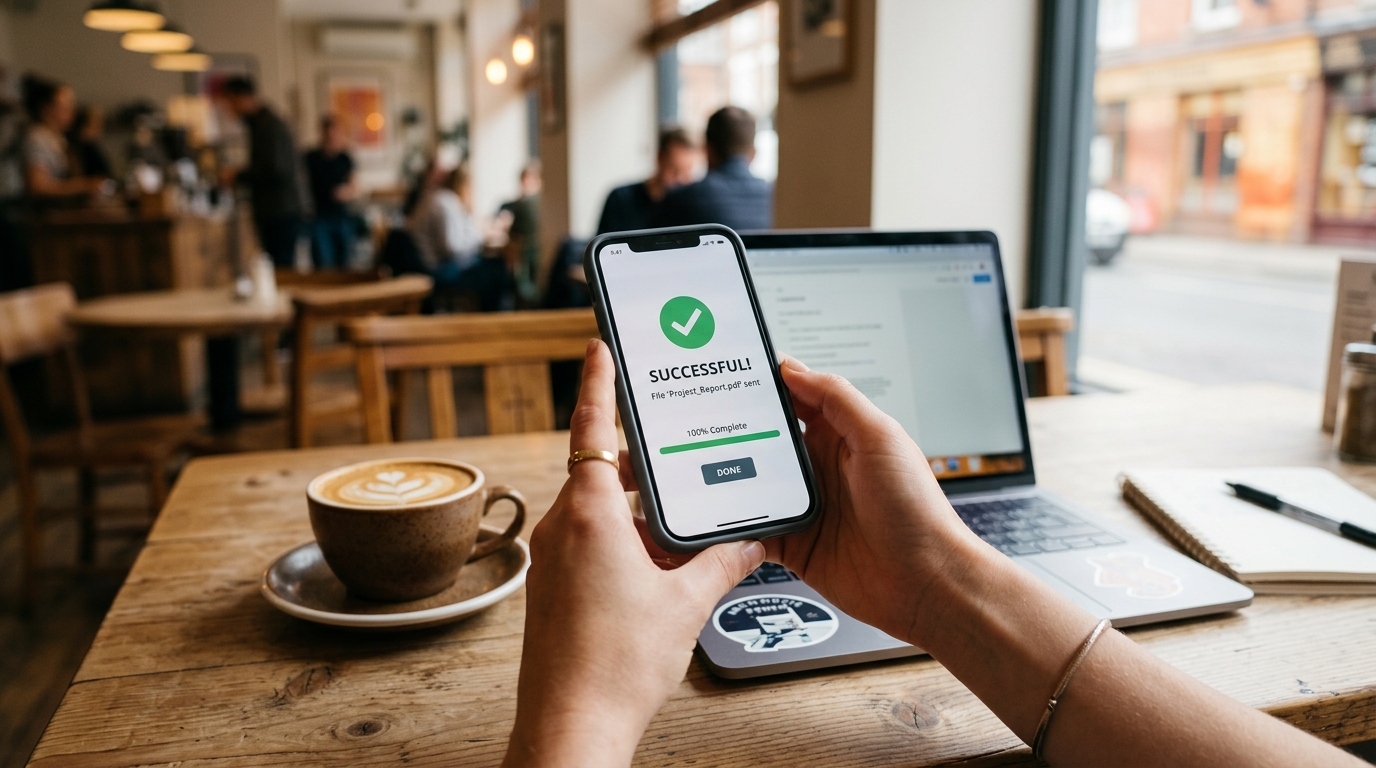
If you regularly handle sensitive information, you need a utility that prioritizes privacy and clean file handling over bloated editing suites. Many professionals initially search for ways to fax from iPhone free of physical hardware constraints, only to realize that the tool they chose struggles to parse complex text files. If you want to ensure your formatting stays exactly as intended while bridging the gap between digital and physical transmission, FAX Send Receive (ad-free) App's dedicated file handling is designed for that specific outcome. Our infrastructure prevents the layout scrambling that plagues lesser tools.
Audit Your Daily Habits
The next time you prepare to send a formal file, pay attention to the steps you take. Are you wasting time trying to reformat an editable document on a five-inch screen? Are you unnecessarily printing digital files just to scan them back in?
You can eliminate an enormous amount of friction simply by establishing a hard boundary between where you create documents and how you send them. Relying on an integrated mobile ecosystem—like the tools we build at Codebaker—ensures that once a file is finalized, it stays finalized. Stop treating your mobile phone as a secondary word processor. Treat it as a secure, efficient transmission hub, and you will dramatically reduce the time you spend fighting your own paperwork.