
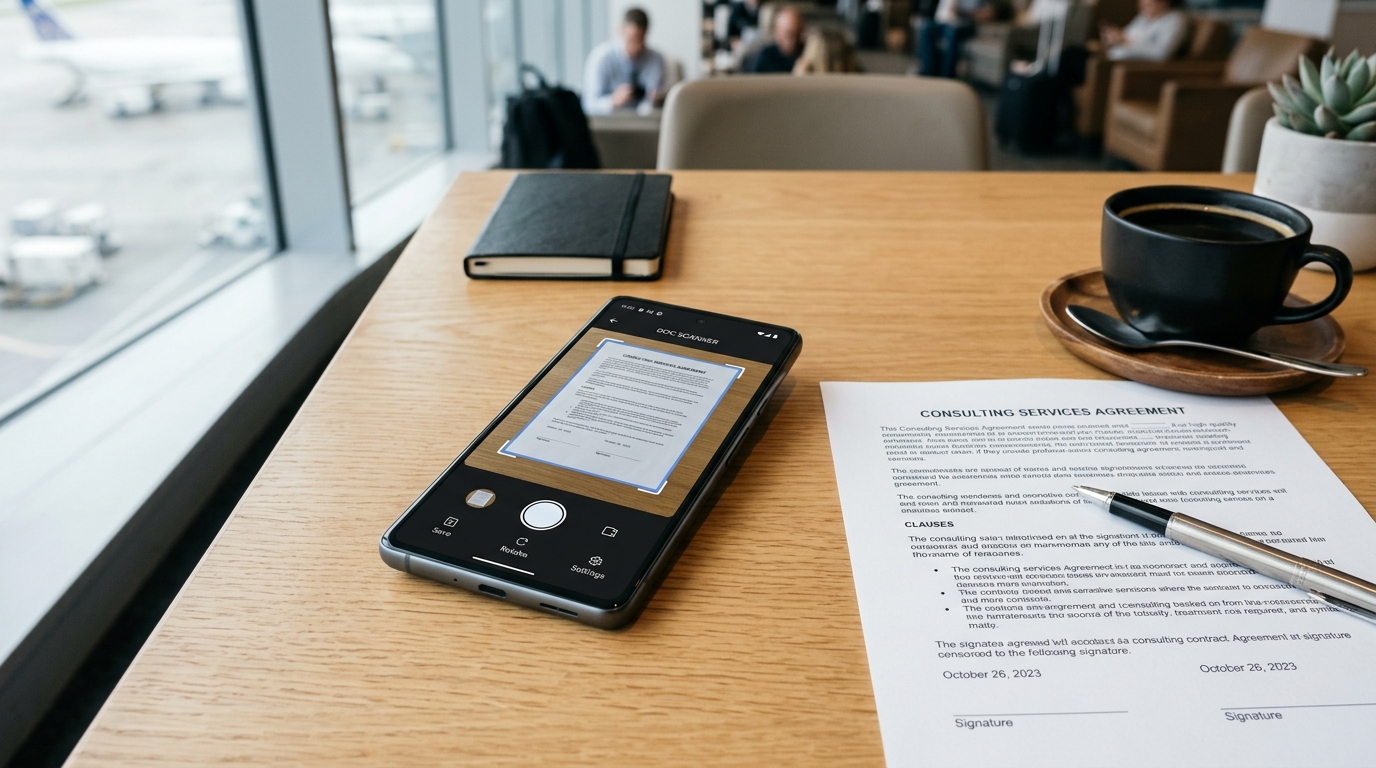
You are sitting in an airport terminal, your flight boards in twenty minutes, and you have just secured the final signature on a critical vendor contract. Then comes the hurdle: the vendor’s compliance department strictly requires the signed documents to be submitted via fax. The immediate tension sets in. You frantically search the terminal for a business center, hoping to find a physical machine that actually works. You might try searching your phone for a quick scanner app free of charge, only to be bombarded by unskippable video ads while holding sensitive legal paperwork in your hand. This scenario is common for modern professionals, highlighting a gap between legacy corporate requirements and the tools we actually carry in our pockets.
A mobile fax application functions as a software tool that allows users to send and receive faxes directly from their smartphones, eliminating the need for physical hardware. For freelancers, small business owners, and remote teams, an ad-free mobile workflow provides secure document transmission without the privacy risks or distractions of ad-supported platforms. If you have ever missed a deadline because you were fighting with a clunky hotel fax machine, you understand exactly why mobile solutions have become essential infrastructure.
Why are professionals abandoning legacy systems for mobile apps?
As a communications technology editor covering VoIP and mobile telephony for years, I have observed a distinct shift in how people handle legacy communication protocols. We are no longer trying to bridge the gap with physical hardware; we are entirely bypassing it with software. The data supporting this shift is notable.
According to the Mobile App Trends 2026 report published by Adjust, the global mobile app economy is experiencing sustained, practical growth. In 2025, global app installs increased by 10%, and user sessions rose by 7%. More tellingly, consumer spending grew by 10.6% to reach a significant $167 billion. People are actively investing in premium, functional applications that remove friction from their daily tasks. When you need to digitize a paper contract and transmit it over a telephony network, any friction—whether it is a malfunctioning physical machine or a pop-up ad on your screen—is unacceptable.

This is where the concept of a hybrid workflow comes into play. Users are no longer looking for just a basic pdf scanner; they want an integrated environment where they can capture an image, clean the edges, and transmit it instantly. They are moving away from physical hardware because a dedicated app transforms a mundane, location-dependent task into a background process that happens in seconds.
What do retention metrics tell us about ad-free mobile workflows?
When reviewing usage milestones for platforms like the FAX Send Receive (ad-free) App, a clear pattern emerges regarding user retention. While many users initially download a generic tool searching for a way to fax from iphone free, those who stick around for the long term invariably migrate to ad-free, privacy-centric applications.
Why does removing ads make such a drastic difference in user retention? It comes down to privacy and user experience (UX). The Adjust 2026 report notes a specific statistic regarding privacy: iOS App Tracking Transparency (ATT) opt-in rates climbed to 38% in the first quarter of 2026. While this is an increase from the previous year, it still means that nearly two-thirds of users explicitly refuse to let apps track their activity. When dealing with sensitive legal, medical, or financial documents, users are acutely aware that ad-supported networks often rely on data extraction.
Furthermore, the design philosophy of successful apps is changing. A recent UXMode guide on 2026 Mobile App Design Trends highlighted that the industry is moving toward a "minimal and silent design language." Applications are expected to be unobtrusive, adapting to the user's environment rather than demanding constant attention. An app that forces you to watch a 30-second game trailer before allowing you to scan to pdf actively violates this silent design principle. By contrast, an ad-free environment respects the user's time and focus, which directly translates to higher long-term retention rates.
How do you choose a document scanner and fax tool that respects your focus?
With thousands of utility apps available, narrowing down the right tool requires a clear set of criteria. Not all mobile document solutions are built with the same audience in mind. To ensure you are building a reliable mobile workflow, I recommend evaluating apps based on the following framework:
- Data Privacy and Ad Policy: Look for applications that explicitly state they do not parse your documents for advertising data. An ad-free model usually indicates that the developer's revenue comes directly from the service provided, aligning their incentives with your privacy.
- Integrated Capabilities: A standalone fax tool is useless if you cannot clearly capture the document first. Ensure the app includes a high-performance document scanner that handles edge detection, shadow removal, and contrast adjustment automatically.
- Target Audience Alignment: Understand who the app is built for. The FAX Send Receive (ad-free) App, for instance, is highly optimized for independent contractors, legal freelancers, and small business owners who need reliable, occasional transmission. Conversely, this type of app is NOT designed for massive enterprise call centers that process tens of thousands of automated faxes daily via hardwired servers.

It is worth noting that user behavior strongly supports these criteria. As my colleague Serkan Eren detailed in his analysis of what 50,000 user actions taught us about mobile PDF workflows, people abandon clunky interfaces rapidly. If the process of capturing a page and entering a phone number takes more than a few taps, the user will look for an alternative.
If you want a streamlined, secure way to handle paperwork on the road, prioritizing an ad-free environment is not just a luxury; it is a fundamental requirement for professional work. The development team at Codebaker recognized this exact pain point when designing their utility suite, focusing on utility over interruption. By choosing tools that embrace the minimal, privacy-first trends of 2026, you ensure that the next time a client demands a faxed signature while you are waiting for a flight, your only challenge will be finding a quiet place to take the photo.