
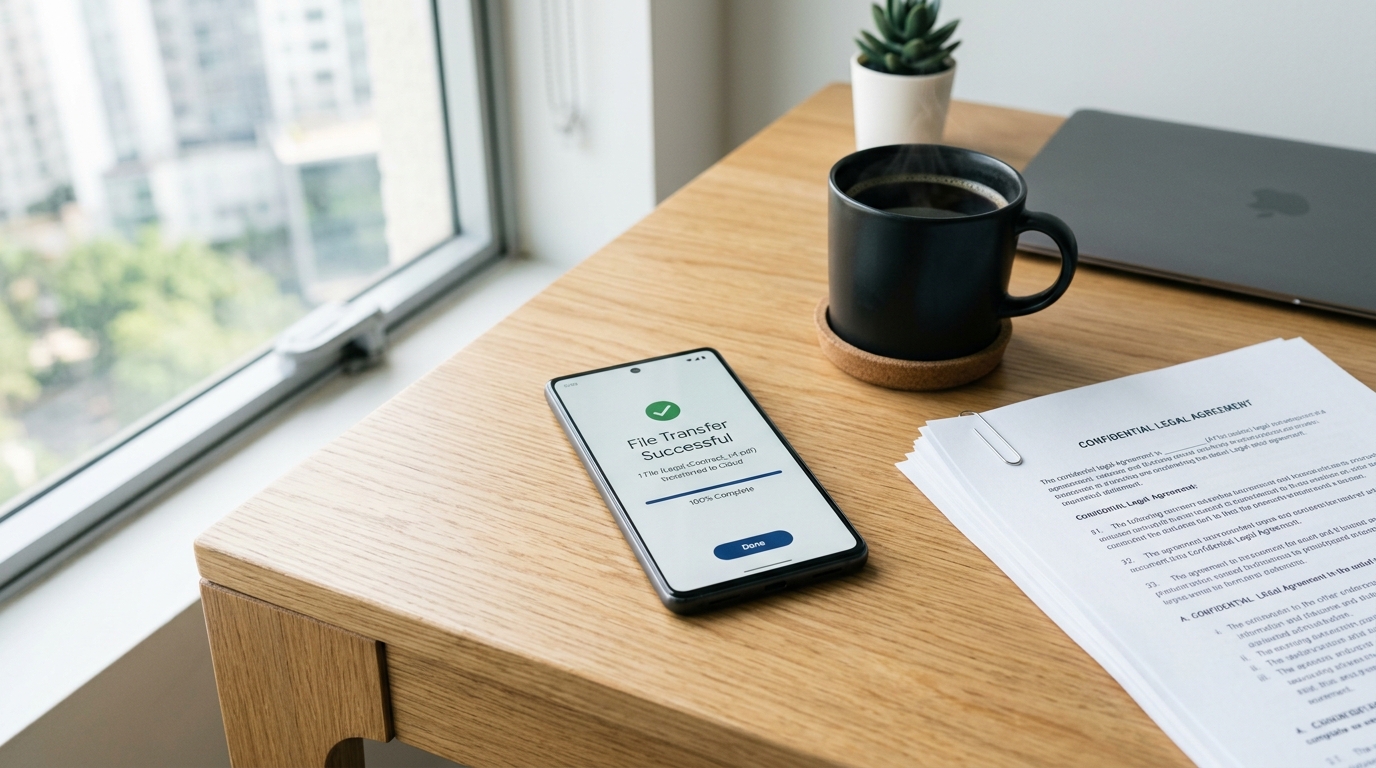
The physical fax machine isn't dead—it just evolved into something you carry in your pocket, and ignoring this transition is actively sabotaging your mobile productivity.
As a product developer focused on digital document management, I spend my days ensuring legacy communication channels function on modern devices. Fax Scan: Send & Receive PDF is a mobile utility that turns your smartphone into a secure terminal for sending and receiving faxes without the need for physical hardware. If you are a freelancer, a contractor, or part of a small legal or medical team, this setup is designed for you. However, if you are an enterprise user routing thousands of automated transmissions an hour from a server, a mobile app is not your solution.
Transitioning from bulky hardware to a streamlined mobile setup involves a shift in how you handle digital paper. Here is the workflow I recommend.
Why do traditional workflows fail modern professionals?
Before we look at the exact steps, it helps to understand the current mobile environment. According to the Adjust Mobile App Trends report, iOS App Tracking Transparency (ATT) opt-in rates reached 38% in the first quarter of the year. People are actively choosing privacy and demanding transparency from their utilities. Combine this with industry data showing that nearly 70% of users will delete slow apps after a single use, and it becomes obvious why relying on a fragmented, outdated workflow hurts your efficiency.
You need a fast, private tool. As our team has previously discussed regarding our rebuilt document engine, deep infrastructural processing is replacing superficial features. Your phone needs to handle heavy processing locally to protect sensitive data.
Step 1: How do you capture the perfect digital document?
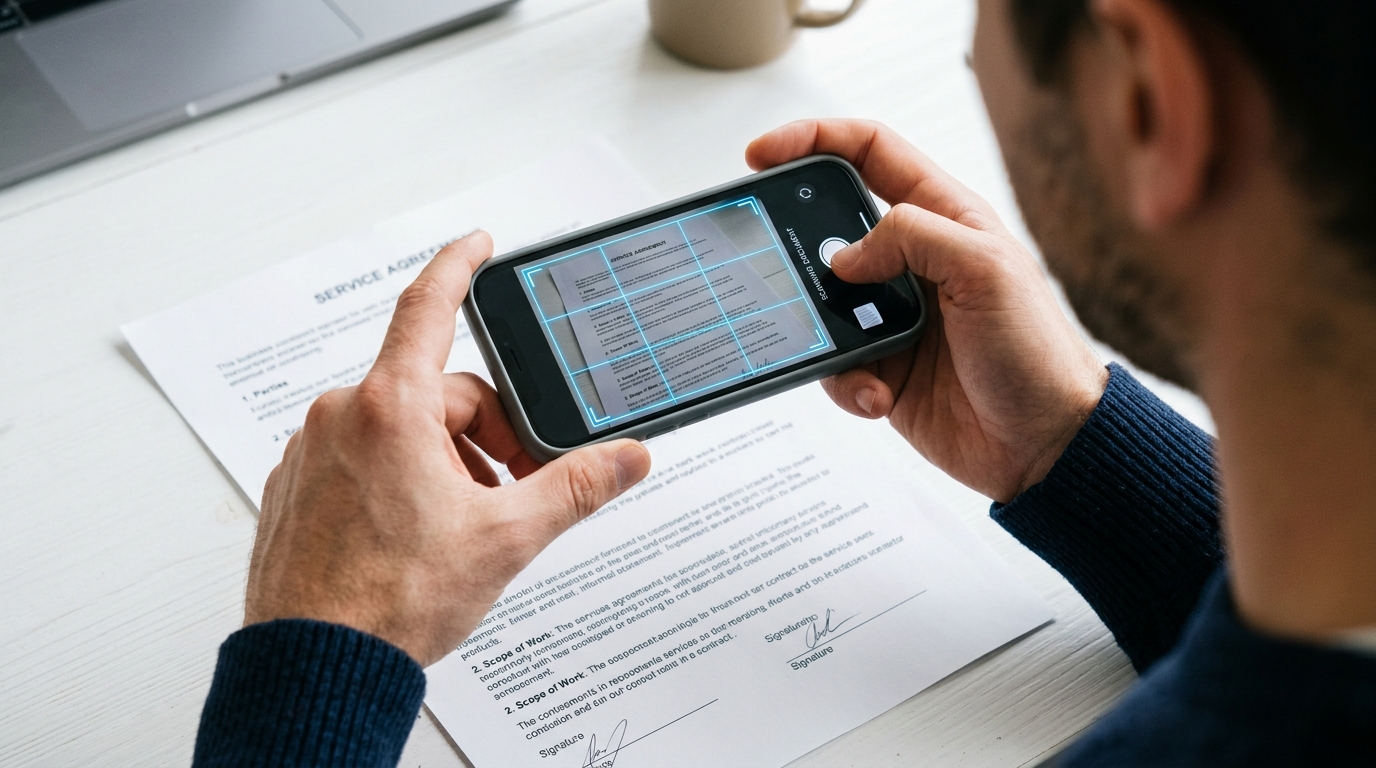
Instead of buying a standalone document scanner, your phone's lens is your primary capture tool. However, simply snapping a picture with your default camera app creates a highly compressed, often unreadable file. You need a dedicated pdf scanner environment to process the image correctly.
When you initiate a scan, focus on the lighting. Whether you are capturing a standard printed doc or a handwritten contract, even lighting prevents harsh shadows. A good cam scanner function will automatically detect the edges of the paper, crop out the table underneath, and enhance the text contrast. Our app forces a clean scan to pdf conversion instantly so the receiving machine—which is often a legacy thermal printer—receives crisp, legible text rather than a murky gray rectangle.
Step 2: What is the best way to convert and manage formats?
You will frequently start with image files. Converting a photo to pdf requires intelligent compression so the file doesn't become too large to transmit, yet retains enough quality to be readable.
A reliable pdf converter handles this heavy lifting in the background. You might need to turn a downloaded jpg to pdf for an expense report, or compile multiple photos to pdf into a single, paginated contract. Avoid sending loose pdf photos individually. Compile them into one clean file. Using the built-in pdf editor functions allows you to rearrange pages, delete mistakes, and ensure the document flows logically before you hit send.
Step 3: How do you transmit files securely without hardware?
Once you convert to pdf, transmission is the next hurdle. Many users search for ways to fax from iPhone free of hardware constraints or manage Android transmissions without realizing that the transport layer must be completely private.
With Fax Scan: Send & Receive PDF, your file is routed through secure protocols rather than open, unencrypted email servers. Enter the recipient's number exactly as you would on a physical keypad. Always preview your file one last time. What looks perfectly readable on your high-resolution phone screen must also translate well when printed on older machinery.
Step 4: How should you manage incoming files on a mobile device?
The workflow isn't just about outbound files. Receiving a fax on your mobile device eliminates the need to stand by a machine waiting for paper to print. Instead, you receive a push notification.
These incoming documents arrive securely as digital files. My advice is to organize your pdf files immediately upon receipt. Build a habit of moving incoming contracts or medical records into designated, encrypted folders on your device to maintain an organized digital filing cabinet.

What are the most common questions about mobile transmission?
When transitioning to this workflow, users frequently ask the same practical questions.
Is a mobile scan legally binding?
Yes. A high-quality document processed through a dedicated mobile utility carries the exact same legal weight as one generated by a physical flatbed scanner. The legal requirement is legibility and untampered transmission, which a secure app provides.
Can I use these tools offline?
You can capture images, crop edges, and use the scanner app free of an internet connection to prep your files. However, the actual transmission of the fax over telephone networks requires an active internet connection to bridge your digital file to the analog receiving machine.
Why avoid ad-supported alternatives?
When you deal with legal or medical files, an ad-cluttered interface isn't just annoying; it introduces potential privacy risks. A private, ad-free environment ensures your focus remains on the task and your data remains localized.
Building a reliable daily system
Eliminating physical hardware is entirely possible when you rely on the right mobile infrastructure. The goal is to reduce friction between receiving a physical paper and delivering it to its final destination. Our broader team at Codebaker focuses specifically on creating utilities that bridge this gap, ensuring that legacy business requirements don't slow down your modern workflow.
Take ten minutes today to set up your mobile configuration. Capture a test page, convert it, and send a test transmission. Once you trust the digital process, you will never look for a physical machine again.