
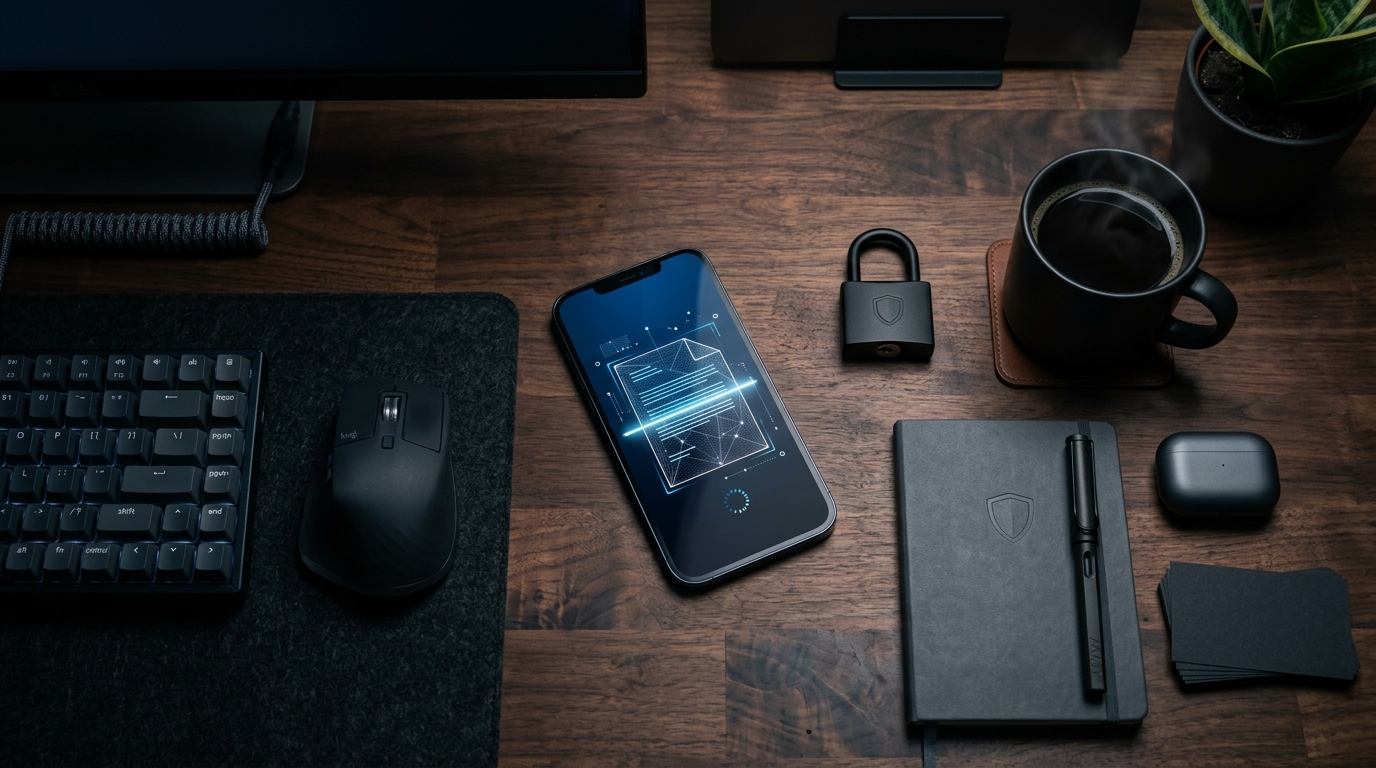
Stop Trusting the Cloud with Your Most Sensitive Paperwork
Most popular scanner apps are secretly built to mine your data, not to manage your documents. As a full-stack developer specializing in cloud storage systems, I constantly watch software companies route highly sensitive, unencrypted files through third-party servers just to apply a simple black-and-white filter. This isn't just an architectural failure; it is a massive privacy risk for anyone handling legal contracts, medical records, or financial data.
For context, FAX Send Receive (ad-free) App is a dedicated mobile application for iOS and Android designed to let users send and receive secure faxes directly from their phones, eliminating the need for a physical fax machine. It is built specifically for freelancers, legal professionals, and small business owners who require encrypted document transmission. If you just want to share a grocery list, this application is likely overkill. But if you manage sensitive client data, it is designed precisely for your workflow.
To address the growing privacy concerns in mobile utilities, we have completely overhauled our core processing architecture. We recently rolled out an entirely new Private On-Device Document Engine. Instead of sending your files to a cloud server to be processed, every scan, crop, and file conversion now happens directly on your device's hardware. In this post, I will explain why we built this feature, why cloud-dependent apps are becoming obsolete, and how real users are utilizing this infrastructure globally.
Understand the 2026 Shift Toward Foundational Privacy
To understand why this architectural update matters, you have to look at where the mobile economy is heading. According to the recently published Mobile App Trends 2026 report by Adjust, the mobile application sector is experiencing massive scale. In 2025 alone, global app installs grew by 10%, while consumer spending surged 10.6% to reach a staggering $167 billion. But the most critical metric for developers isn't just revenue—it is user privacy.
The Adjust report highlights that iOS App Tracking Transparency (ATT) opt-in rates rose from 35% in the first quarter of 2025 to 38% in the first quarter of 2026. Users are increasingly locking down their data. Furthermore, the report emphasizes that artificial intelligence is transitioning from a superficial marketing gimmick into foundational, end-to-end infrastructure. Growth in 2026 relies on integrated, privacy-compliant architecture rather than isolated feature drops.
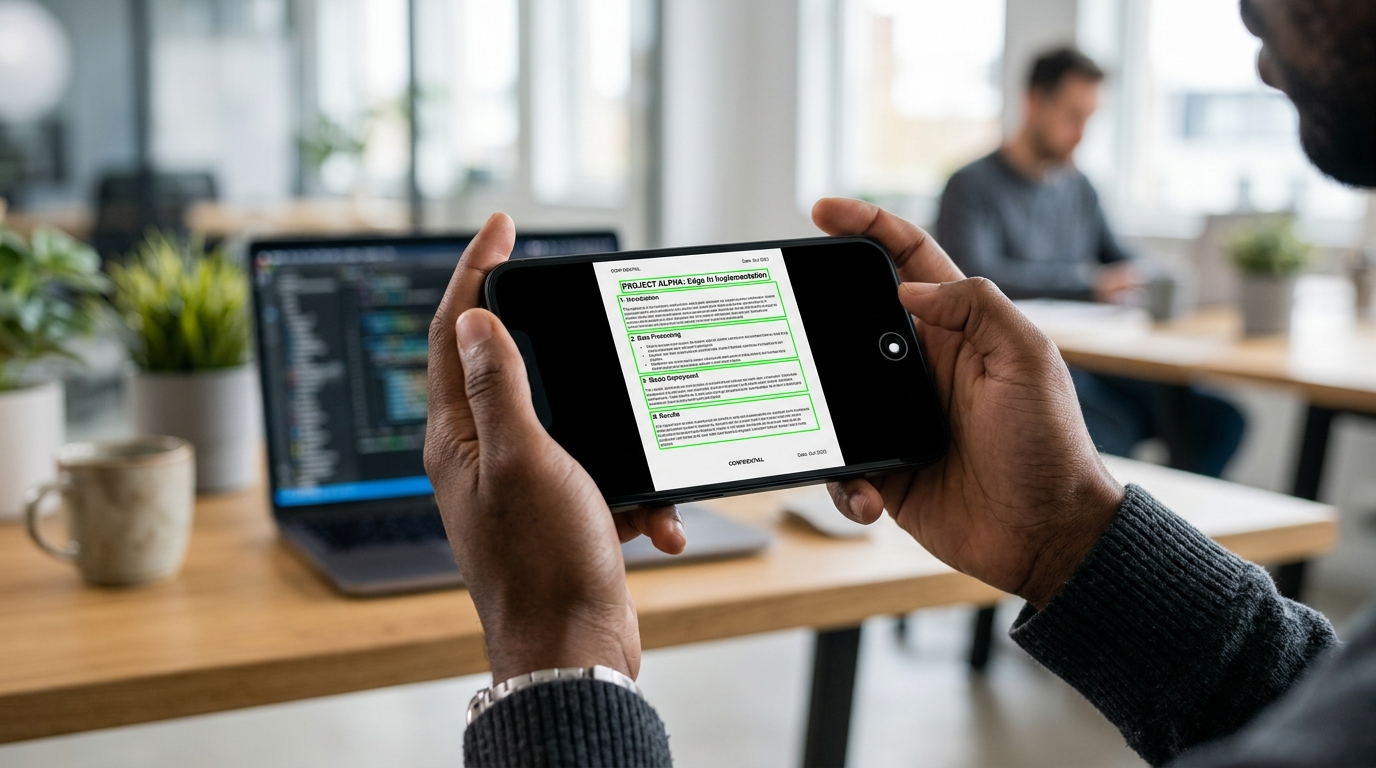
As Onur Başaran explained in his recent post on the shift to AI-driven mobile fax infrastructure, moving complex processes like Optical Character Recognition (OCR) away from the cloud fundamentally changes how securely users can handle documents. We realized that forcing a user to upload a file to a remote pdf editor just to clean up shadows was no longer acceptable.
Demand Local Processing for File Conversions
When you need to digitize a contract quickly, you want a reliable pdf scanner that works regardless of your internet connection. Previously, generating a complex document required sending raw image data to a server. Our new on-device engine uses your smartphone's neural processor to handle edge detection, shadow removal, and format conversion locally.
Here is what happens under the hood when you use the new engine:
- Zero-Latency Cropping: By utilizing local machine learning models, the document scanner identifies paper edges in milliseconds, even against complex backgrounds.
- Secure Formatting: When you need to turn a photo to pdf, the conversion happens entirely in your phone's memory. No third-party API ever sees your file.
- Offline Capabilities: You can convert doc files, transform jpg to pdf, or compile multiple photos to pdf while entirely offline. The app only requires an internet connection at the exact moment you hit "send" to transmit the fax.
People searching for a scanner app free of ads often settle for basic tools that struggle to render crisp text. Our private engine ensures that whether you are creating pdf photos from a gallery or managing a multipage contract, the output is optimized for high-resolution transmission. This is especially vital when you need to send a fax from iphone free of rendering artifacts that could make legal text illegible.
Analyze Real-World Search Patterns and Edge Cases
Building reliable infrastructure means monitoring how people actually search for and interact with the technology. As developers, we analyze regional telemetry to understand what our users truly need. We often spot fascinating hyper-local use cases that drive our feature development.
For example, in our research on market transitions, we observed a massive shift in how professionals handle administrative tasks. Users are actively seeking solutions that work instead of physical fax machines. They aren't looking for a basic photo filter; they are seeking a comprehensive, secure platform. They want a tool that genuinely operates as a mobile fax sending and receiving application.
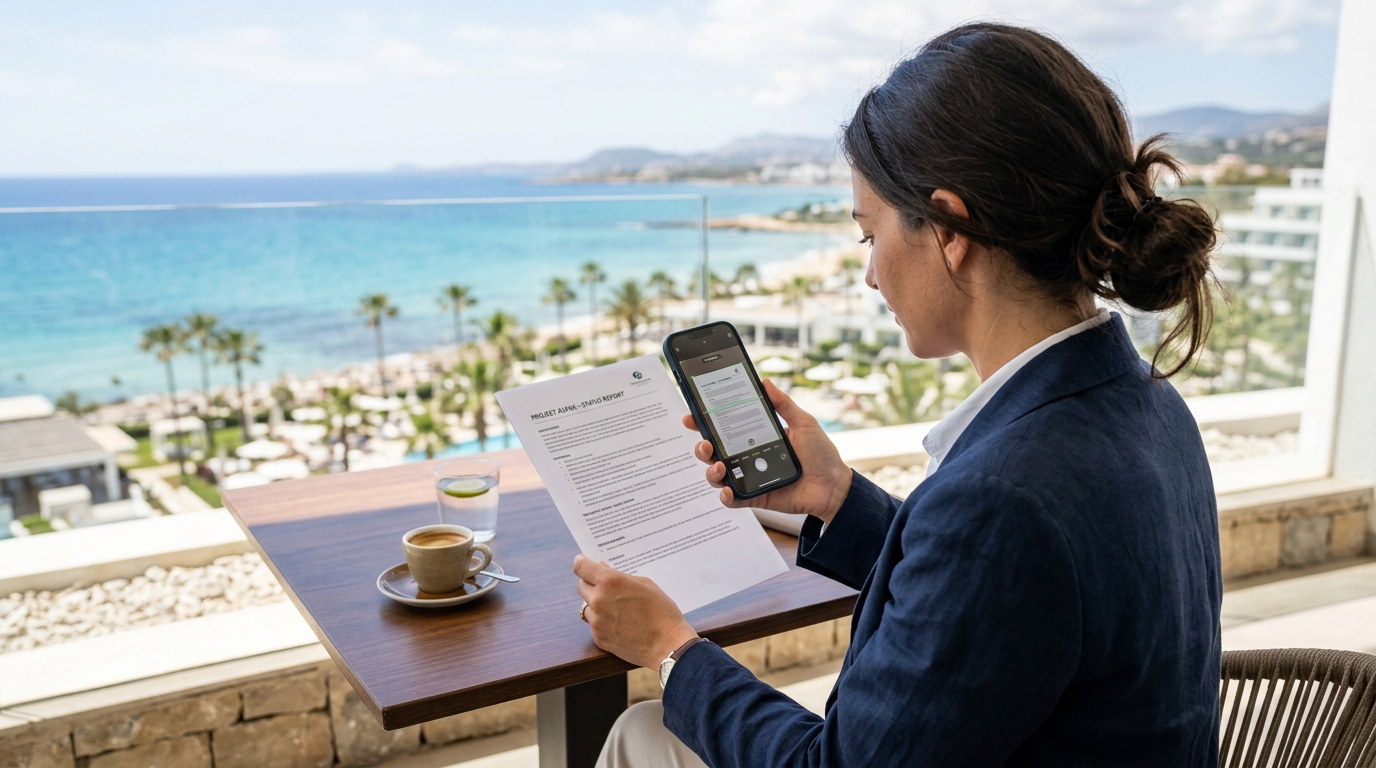
Interestingly, when we look at location-based usage for document receiving features, we notice heavy traffic from business travelers. It is incredibly common for users to manage urgent paperwork while working remotely from hotels or transit hubs. When a traveler needs to sign and return a critical document, relying on a hotel lobby's outdated machine is a security nightmare. A private mobile solution becomes essential.
We also see unique hardware-related scanning habits. A significant portion of everyday document scanning involves digitizing appliance warranties and repair invoices. Users frequently use the cam scanner feature to snap a picture of a receipt for high-end appliances, using the tool to convert the image to pdf before storing it safely or faxing it to an insurance provider. Our new on-device engine ensures that the serial numbers on these glossy receipts are captured sharply without relying on cloud processing.
Optimize Your App Selection Criteria
If you are auditing your current mobile utilities, you need to look beyond the basic user interface. Ask yourself what happens to your data the moment you tap "scan to pdf". Are the files being processed locally, or are they being bounced to a server you don't control?
When selecting a mobile document utility, enforce these three criteria:
- On-Device Architecture: The application must be able to perform heavy lifting—like converting a photo to pdf or compressing a file—without an active internet connection.
- Ad-Free Environment: Applications that display ads are inherently tracking your behavior to serve those ads. If you are handling sensitive documents, you cannot afford ad-network SDKs operating in the background.
- Direct Transmission: If your end goal is secure communication, the app should connect directly to telecom networks. This is why tools like the FAX Send Receive (ad-free) App are integrated with deep communication protocols, much like the infrastructure we build at Codebaker for various communication utilities.
Secure Your Mobile Workflows Today
The transition toward private, on-device AI is not just a passing trend; it is the new baseline for professional mobile utilities. By eliminating the reliance on cloud-based pdf converters and moving all document enhancement to the local processor, we have drastically reduced the attack surface for potential data breaches.
If you regularly handle sensitive information, take a hard look at the tools you currently use to digitize paperwork. Ensure that your mobile infrastructure respects your privacy, processes your files locally, and provides the uncompromised quality required for professional transmissions.