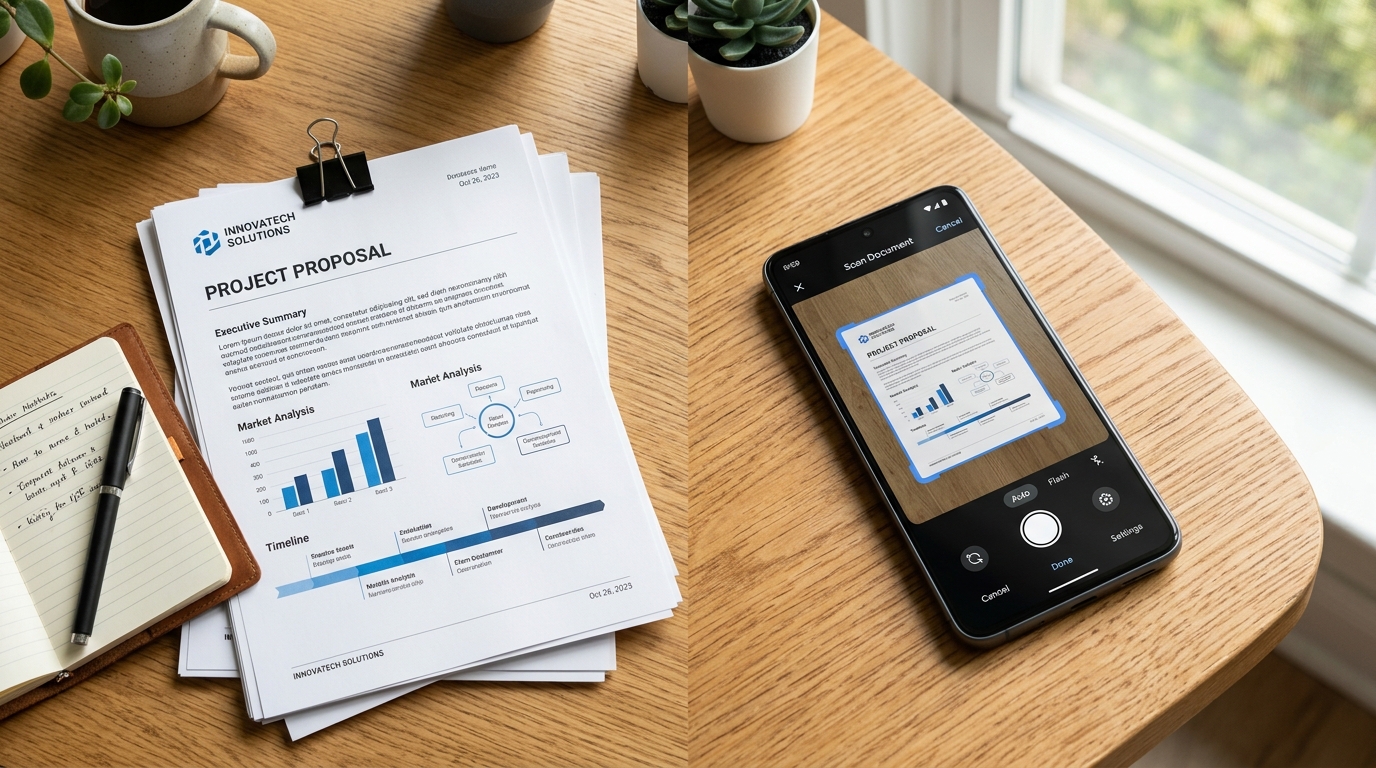
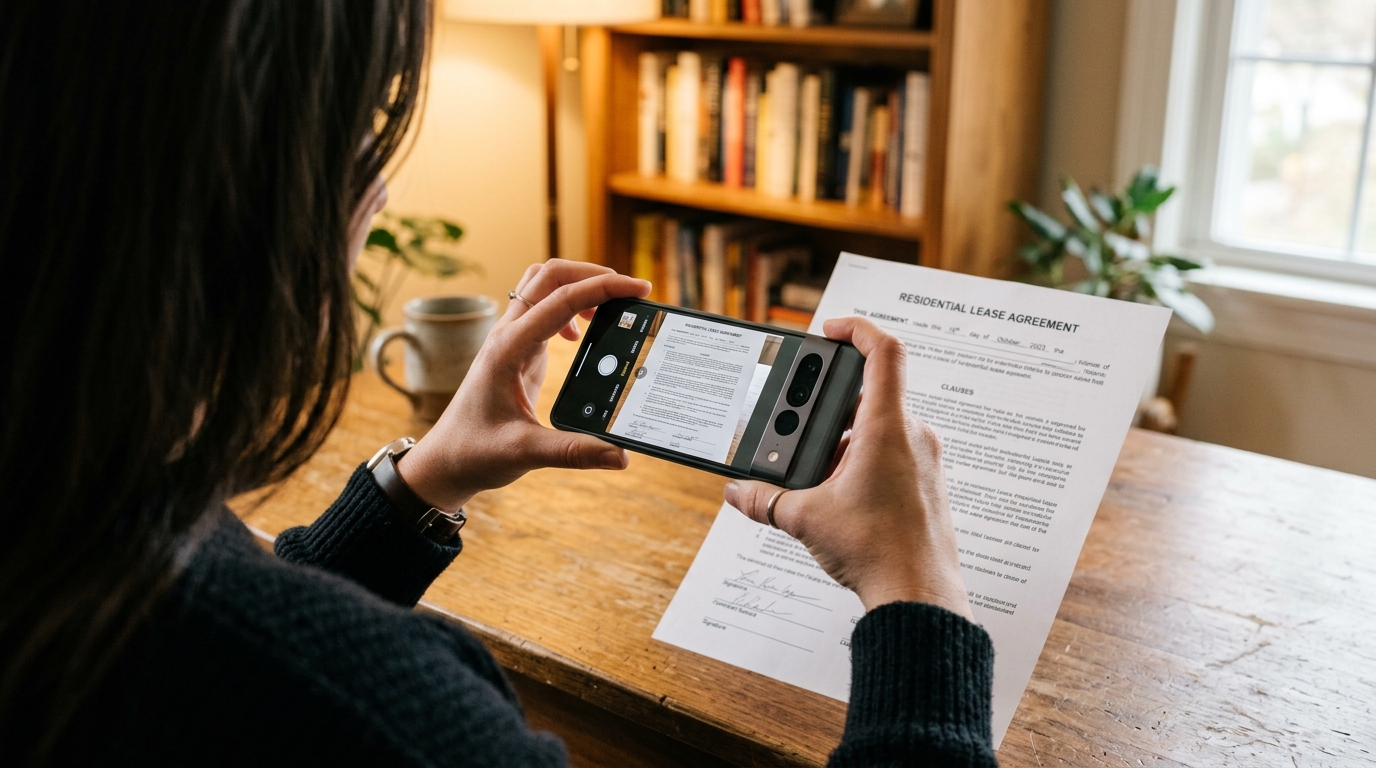
Last week, I was consulting with a freelance legal advisor who needed to audit her mobile communication workflow. She had a habit of snapping quick pictures of contract modifications—rather than using a proper scanner app to generate a high-quality pdf photo—then tapping "share" and sending them off to clients as email attachments. Predictably, a client called her to complain that the most recent transmission was completely unreadable. In my years covering communications technology and privacy-first messaging systems, I have seen this happen constantly. Many professionals assume that taking a picture is functionally identical to capturing a document. It is not.
When you need to transform a physical page into a reliable digital record, a professional document utility is essential because it actively crops, flattens, and enhances text clarity before processing the image. Whether you are generating a digital copy for your archives or preparing a file for secure transmission, the right software ensures the output meets professional standards without leaking your data to third-party ad networks.
As the line between hardware and software continues to blur, mobile devices are taking over tasks previously reserved for bulky office equipment. However, bad habits still linger. Let's look at a few prevalent misconceptions regarding mobile document management, and why selecting the right tools matters for your privacy and productivity.
A native camera cannot replicate a true scanner app
There is a persistent myth that the default camera lens on a modern smartphone is powerful enough to handle any document task. While the megapixel counts are impressive, a camera app is optimized for photography—capturing light, color, and depth. A professional document tool is optimized for readability.
When you attempt to use a basic camera instead of a dedicated cam scanner tool, you miss out on critical edge detection, shadow removal, and contrast enhancement. According to a 2025 analysis by Statista and Smallpdf, 63% of PDF views now happen on smartphones and tablets. If you are simply capturing a photo without specialized software, the recipient viewing that file on a six-inch screen will likely struggle to read it. A genuine scanning tool uses optical character recognition (OCR) and perspective correction to ensure that when you scan to pdf, the resulting file looks exactly like it rolled out of a flatbed machine.
Changing a file extension does not create a professional document
Another common mistake is assuming that file formats are completely interchangeable. Many people believe that simply renaming a file from jpg to pdf or using a basic "save as" function instantly upgrades the file's quality. In reality, poorly executed conversions just wrap an uncompressed, heavy image file in a PDF container.
To produce a clean pdf photo, you need a capable pdf converter that understands how to compress background noise while preserving crisp text. This is why a lightweight, focused scanner app free of bloatware is so valuable. It handles the processing natively, turning unwieldy images into PDFs efficiently without ballooning the file size to 20 megabytes. When businesses handle documents, file size and format matter immensely. As Melis Doğan covered this topic in detail in a recent post, a stronger PDF engine changes how quickly users can process files without relying on desktop software.
High document volume does not excuse poor privacy
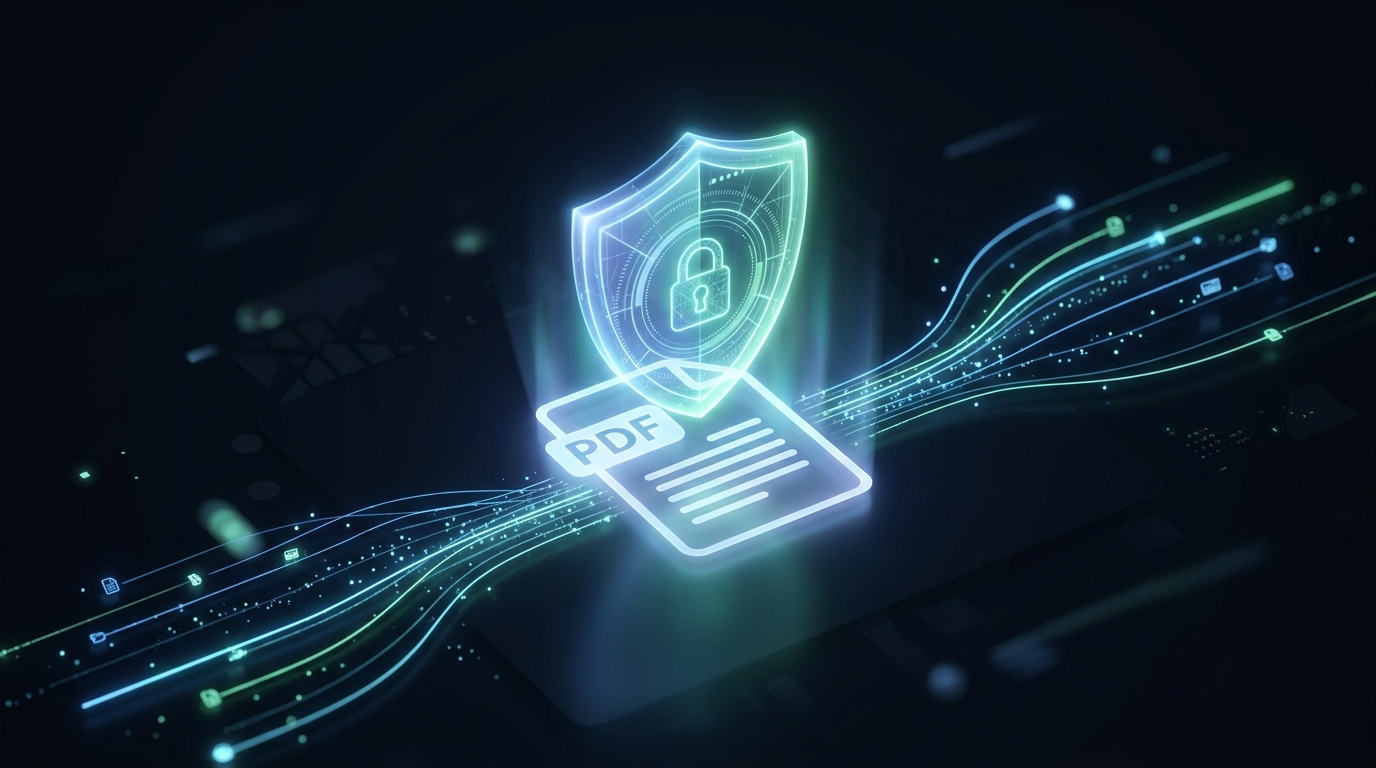
It is widely assumed that if you want a free pdf editor or mobile scanner, you have to accept intrusive advertisements and data tracking. This is a dangerous compromise, particularly for independent contractors, medical professionals, or small teams handling sensitive client information.
The global document economy is massive. Data from a 2026 ZipDo industry report projects that the global PDF software market will reach $4.3 billion by 2030, driven largely by organizations moving entirely to digital formats. Furthermore, a 2025 Mobiqode study highlighted that 98% of businesses now use PDF as their default file type for external communication. When you manage that volume of sensitive data, a private environment is non-negotiable. Using ad-supported apps often means your metadata, and sometimes your document contents, are exposed to third-party tracking software. Developers focused on utility, such as Codebaker, prioritize privacy-first infrastructure precisely because business communication requires confidentiality.
Mobile hardware fully replaces traditional transmission systems
For decades, there was a belief that while you could view a doc on your phone, you still needed physical desktop hardware or a bulky machine to formally transmit it—especially when dealing with medical or legal offices that still require facsimiles.
That myth is entirely obsolete. Today, you can securely fax documents straight from your device, provided you have the right infrastructure. This is exactly what the FAX Send Receive (ad-free) App does: it is a mobile application available on major app stores that allows users to securely send and receive faxes directly from their phones, eliminating the need for a physical fax machine. It is built specifically for freelancers, small business owners, and remote workers who need professional document routing without the overhead of physical office equipment.
I should note who this is NOT for: if you are an enterprise administrator managing a hospital wing that processes ten thousand hard-copy pages an hour through industrial hardware, a mobile app won't replace your enterprise mainframe. But for the rest of us, it is more than sufficient. If you want a streamlined way to transmit a recently scanned file without hardware, FAX Send Receive (ad-free) App's integrated sending feature is designed for that. As Serkan Eren explained in his guide on modernizing workflows, replacing your physical scanner with a mobile workflow is easier than most people expect.
Strict selection criteria define an effective mobile workflow
The final misconception is that any app with "scan" in the title will get the job done. With thousands of utilities available, you need a strict framework for choosing how you convert to pdf and manage your files. In practice auditing communication tools, the best applications share three specific traits:
- On-device processing: Your mobile utility should process the image locally rather than uploading your raw files to an unknown cloud server for rendering.
- Zero ad interruptions: When you are trying to send an urgent fax from iphone free of physical hardware constraints, the last thing you need is a full-screen video ad breaking your concentration.
- End-to-end functionality: A single tool should be able to capture the scan, apply the correct contrast, finalize the PDF, and transmit the document. Fragmenting this workflow across three different apps introduces room for error.
By shedding these outdated myths, you can significantly improve your daily workflow. The next time you are tempted to just snap a quick picture of a contract and hope for the best, remember that modern mobile tools offer a much better, safer, and more professional way to handle your communications.