
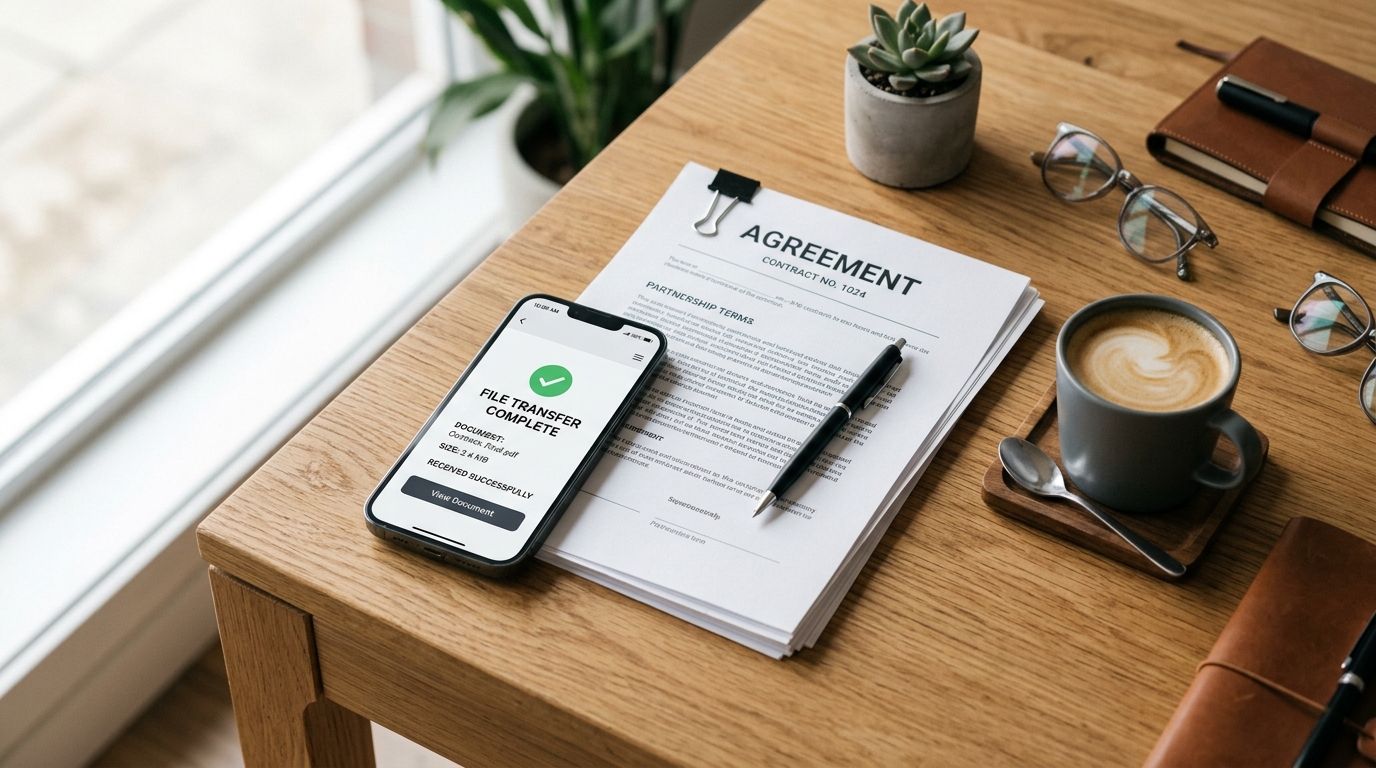
A few years ago, while finalizing a document scanning architecture for a client, I found myself sitting in the lobby of a busy hotel. A frantic guest was trying to transmit a signed contract using the hotel's clunky front-desk hardware. The machine jammed twice, the line dropped, and the confirmation receipt never printed. Later that same week, during a trip to the coast, I received an urgent request to review server logs and sign off on a vendor agreement. I didn't hunt for a physical line or a business center. I simply captured the pages on my phone, converted the documents, and transmitted them digitally. That stark contrast perfectly illustrates why traditional hardware is fading rapidly in favor of digital alternatives.
Fundamentally, an online fax service is a digital platform that allows users to send and receive legally binding documents directly from their mobile devices or computers, completely replacing the need for physical phone lines or traditional machines. If you want to handle secure paperwork from anywhere without dealing with hardware maintenance, FAX Send Receive (ad-free) App is built for that exact purpose. It serves as a reliable bridge between modern mobile workflows and legacy transmission requirements.
The Data Behind the Shift from Physical to Digital
We are witnessing a significant transition in how businesses handle documentation. According to market insights from Kings Research, the global online fax market was valued at $4.70 billion in 2022 and is projected to reach $12.32 billion by 2030, growing at a CAGR of 12.75%. The primary drivers for this growth are clear: document security, significantly lower costs, and extreme ease of use compared to traditional setups.
Similarly, analysis from Business Research Insights estimates the global online fax service market will reach approximately $3.16 billion by 2026. This growth spans individuals, small businesses, and large corporations. The research points out that cloud-based online faxing services offer built-in features like electronic signatures and encrypted archiving that old machines simply cannot match. It is no longer just about sending a single page; it is about integrating a secure, trackable document workflow into your daily mobile toolkit.
Who Really Needs a Mobile Transmission Hub?
In my nine years of working with OCR systems and document processing, I have noticed distinct patterns in who adopts these tools first. The target user profile typically includes independent contractors, freelancers, legal professionals, and remote sales teams. These are professionals who handle sensitive paperwork but refuse to be tethered to a desk.
Consider field technicians. Whether they are filing detailed warranty claims for complex industrial equipment like a high-capacity HVAC unit, or a warehouse manager submitting urgent purchase orders for a specialized assembly part, the paperwork has to move instantly. Waiting until they return to an office to use a document scanner and a physical machine slows down the entire supply chain.
It is equally important to understand who this is NOT for. A mobile-first online fax provider is not designed for massive enterprise data centers or heavy-duty call centers processing tens of thousands of automated pages per hour. Those environments require dedicated, API-driven enterprise infrastructure. But for the individual professional or small team, a mobile solution is vastly superior.
The Technical Anatomy of a Mobile Transmission
How does this actually work in practice? When you rely on fax services online, the process begins with capturing the physical paper. You do not need a dedicated flatbed device anymore. Modern smartphone cameras, paired with intelligent software, have become incredibly capable.
You start by using a reliable pdf scanner to capture the page. In my experience, the quality of the initial capture determines the success of the transmission. A high-quality scanner app free from intrusive pop-ups will detect the edges of the paper, correct the perspective, and apply contrast filters to ensure the text is legible. It handles the critical scan to pdf conversion locally on your device.
Once you have a clean digital file, you don't need a standalone pdf editor unless you are making heavy modifications. You simply attach the pdf within the application, enter the recipient's number, and hit send. As my colleague Gizem Tunç has often noted in discussions regarding practical alternatives to physical machines, this localized approach entirely removes the friction of hunting down accessible hardware.

Setting Up Your First Mobile Transmission
If you are transitioning to online fax services for the first time, the setup process is remarkably clear. First, evaluate your incoming vs. outgoing needs. If you only send documents occasionally, you might look for options that allow you to fax from iphone free for a limited trial or on a pay-per-use basis before committing to a subscription.
Next, gather the physical paperwork you need to process. Place the document on a flat, well-lit surface with a contrasting background. Open your capture tool—for instance, if you need a dedicated scanning utility, you might explore apps like Scan Cam by Codebaker to create your files. Hover your phone over the page and let the auto-capture feature detect the boundaries.
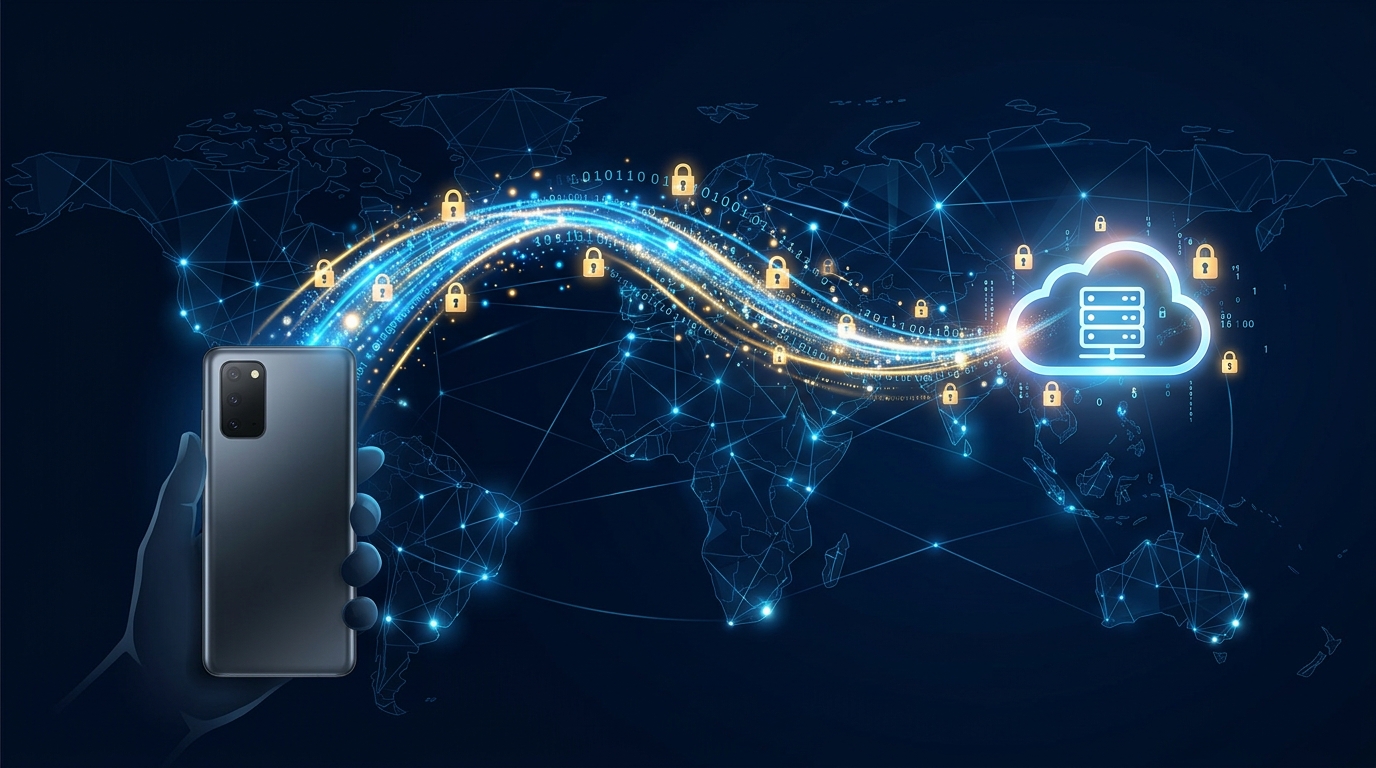
After capturing, use the internal pdf converter to finalize the file. You can compile multiple pages into a single document, transforming raw photos to pdf format instantly. Finally, open your chosen online fax provider application, select the newly created file, and enter the destination number. The app communicates with cloud servers, which then dial the receiving machine and transmit the data securely over the network.
Why File Formatting Matters
One detail I always stress to users is the importance of file formats. Traditional machines expect black-and-white, high-contrast images. Sending a raw, uncompressed color JPEG can result in a blurry, unreadable mess on the recipient's end. This is why utilizing a tool that offers proper scan to pdf functionality is non-negotiable. The software strips away unnecessary color data, sharpens the text, and compresses the file so it travels quickly through the online faxing services.
By standardizing your approach—capturing clearly, converting properly, and transmitting through a reliable digital provider—you completely eliminate the unpredictability of paper jams and busy signals. It is a cleaner, faster, and far more professional way to handle your daily communications.