
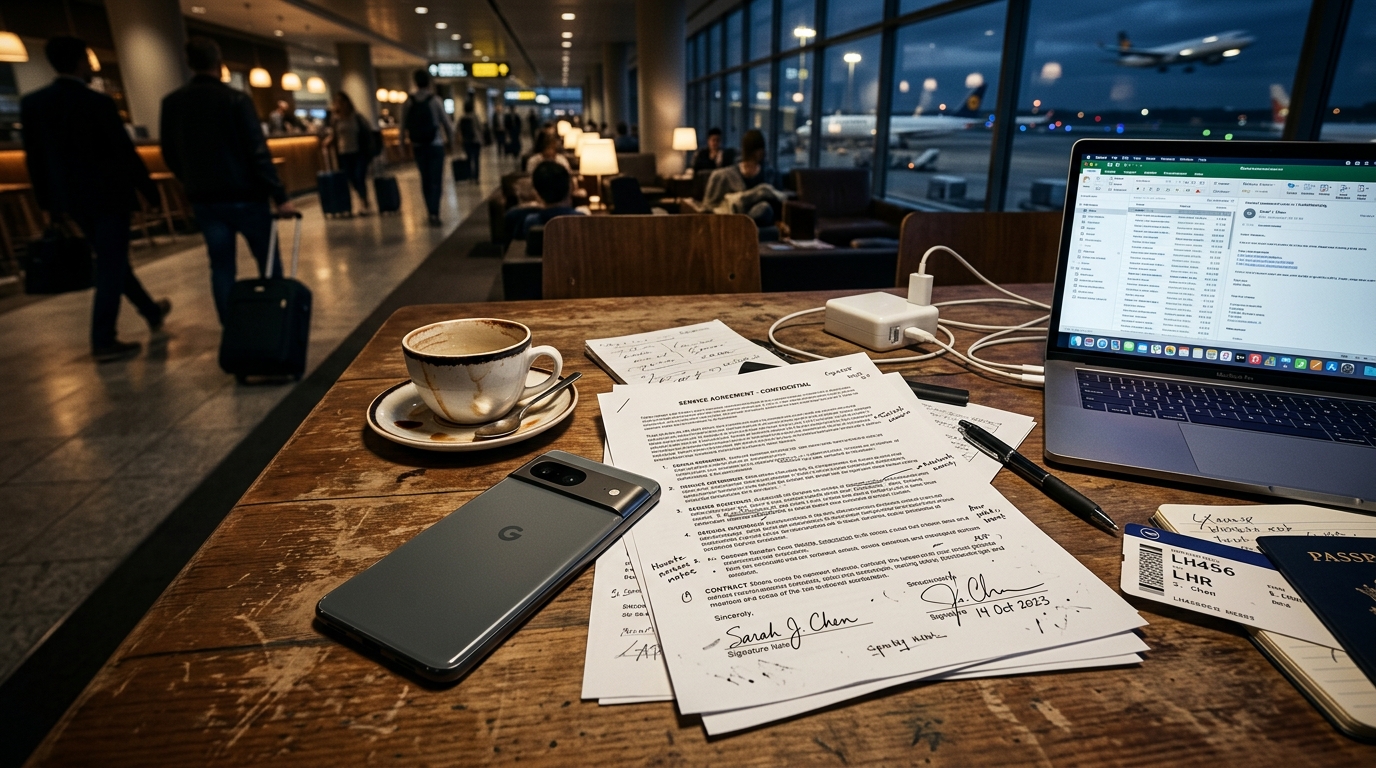
Imagine sitting in an airport lounge, ten minutes before your flight boards, when a client urgently requests a signed non-disclosure agreement. You snap a quick picture of the printed page, search the app store for a free scanner app, and launch it. What follows is a chaotic, stressful dance. You frantically try to close pop-up video ads, attempt to crop a badly skewed image to create a legible photo to PDF, and realize you still need an entirely separate tool to transmit the final file. By the time you find a way to fax from an iPhone for free, your battery is draining, your flight is boarding, and the file size is inexplicably too large for the receiving machine to handle. The workflow is completely broken.
A modern mobile document workflow requires an integrated system that captures images, acts as a reliable PDF converter, and securely transmits the file without external hardware. For professionals dealing with sensitive documents, shifting from disjointed, ad-heavy applications to a unified, private platform is the only way to ensure reliable communication.
Fragmented workflows create severe transmission bottlenecks.
In practice developing fax technologies and modernizing digital document management, I've observed that the biggest source of user frustration isn't a lack of tools, but an overabundance of disjointed ones. Users often download one app to act as a cam scanner, another to serve as a PDF editor, and yet a third to route the file.
The mobile economy is scaling rapidly, and consumer expectations are maturing. According to recent mobile market reports, global application installs increased by 10% in the past year, while consumer spending reached a record $167 billion. We are heavily invested in our mobile environments. However, while overall engagement grows, tolerance for poorly designed utilities has vanished. People are no longer willing to jump through hoops just to manage a standard document.
As Gizem Tunç recently explained in her analysis of app retention metrics, professionals are actively discarding ad-supported utilities in favor of minimal, distraction-free designs. A workflow that requires you to watch a 30-second advertisement before allowing you to scan to PDF is fundamentally incompatible with urgent business needs.

Slow performance actively kills mobile adoption.
When you are in the field and need to digitize paperwork, speed is a critical factor. An application cannot simply be feature-rich; it must be instantly responsive. The underlying technology responsible for detecting page edges, adjusting contrast, and processing photos to PDF requires significant computational power. If that power isn't optimized for your device, the resulting lag destroys the user experience.
Data from performance analyses reveals a significant hurdle for developers and users alike: 70% of users will delete a slow application immediately after their first use. This metric perfectly illustrates why so many people struggle with mobile utility tools. When an app relies on outdated cloud rendering to process a scan, the latency introduced by uploading the image, waiting for server-side conversion, and downloading the result is unacceptable.
The solution lies in shifting artificial intelligence from a superficial feature to foundational infrastructure. We no longer need flashy AI chatbots in utility apps; we need deep, infrastructural algorithms that clean up PDF photos locally, instantly, and without requiring a network connection just to crop a page.
File format confusion leads to legacy hardware failures.
A common mistake I see among new mobile users is treating all digital files identically. The difference between a raw image file, a text doc, and a properly compressed PDF dictates whether a legacy communication channel—like a physical fax machine on the receiving end—will accept or reject your transmission.
Many users attempt a basic JPG to PDF conversion using default phone galleries. These tools simply wrap a massive, uncompressed photograph inside a PDF container. When you attempt to route this 25-megabyte file through telephone lines, the receiving machine's memory buffer overflows, resulting in a failed transmission and a printed page covered in digital noise.
A dedicated document scanner applies algorithmic thresholding. It removes the gray shadows cast by your phone, flattens the background to pure white, and sharpens the text to solid black. This binarization process allows you to convert to PDF efficiently, shrinking a massive photo into a few kilobytes. This precise formatting is exactly what legacy hardware requires to print clearly and quickly.

Data privacy is now a non-negotiable baseline.
We routinely digitize highly sensitive information: medical records, financial statements, and signed legal contracts. Sending these files to an unknown third-party server just to perform a basic PDF scanner task introduces severe security vulnerabilities.
Consumer awareness regarding data privacy is at an all-time high. Recent industry reports highlight that iOS App Tracking Transparency (ATT) opt-in rates have climbed to 38%. Users are paying close attention to data permissions and tracking mechanisms. In the realm of digital paperwork, maintaining a private processing environment is critical.
This is why the industry is moving aggressively toward on-device processing. Cem Akar covered this transition in detail recently, detailing how executing optical character recognition (OCR) and file conversion locally on the phone's hardware protects sensitive data from interception. When your device handles the computation, your paperwork never leaves your phone until the exact moment you authorize its encrypted transmission.
Integrated infrastructure outpaces fragmented utilities.
If you are auditing your current mobile setup, it is crucial to apply a strict decision framework to the tools you allow on your device. Relying on separate applications for capturing, editing, and sending creates unnecessary friction.
When selecting a mobile utility, look for these baseline criteria:
- Unified capabilities: The tool should natively handle camera capture, algorithmic edge detection, and secure transmission without requiring third-party plugins.
- Ad-free environments: Critical business tasks cannot be interrupted by monetization pop-ups. The cost of an error far outweighs the perceived savings of a "free" ad-supported tool.
- On-device rendering: File formatting should happen locally to ensure speed and protect your privacy.
It is equally important to understand who these mobile solutions are for. A mobile application designed to replace physical hardware is built specifically for freelancers, traveling professionals, remote workers, and small teams who need reliable, on-the-go access. It is not intended for enterprise-level call centers that need to broadcast ten thousand automated marketing pages an hour; it is a precise tool for individual and small-scale business routing.
If you want a secure, streamlined way to handle paperwork directly from your pocket, FAX Send Receive (ad-free) App is designed specifically for that purpose. It consolidates these fragmented steps, allowing users to capture, refine, and transmit files without ever touching a physical machine. For broader digital solutions, companies like Codebaker develop high-performance applications that further modernize mobile utility workflows.
Transitioning away from physical hardware doesn't mean cobbling together a messy folder of single-purpose apps. By demanding speed, strict formatting controls, and absolute privacy, you can build a mobile toolkit that actually supports the way you work.