
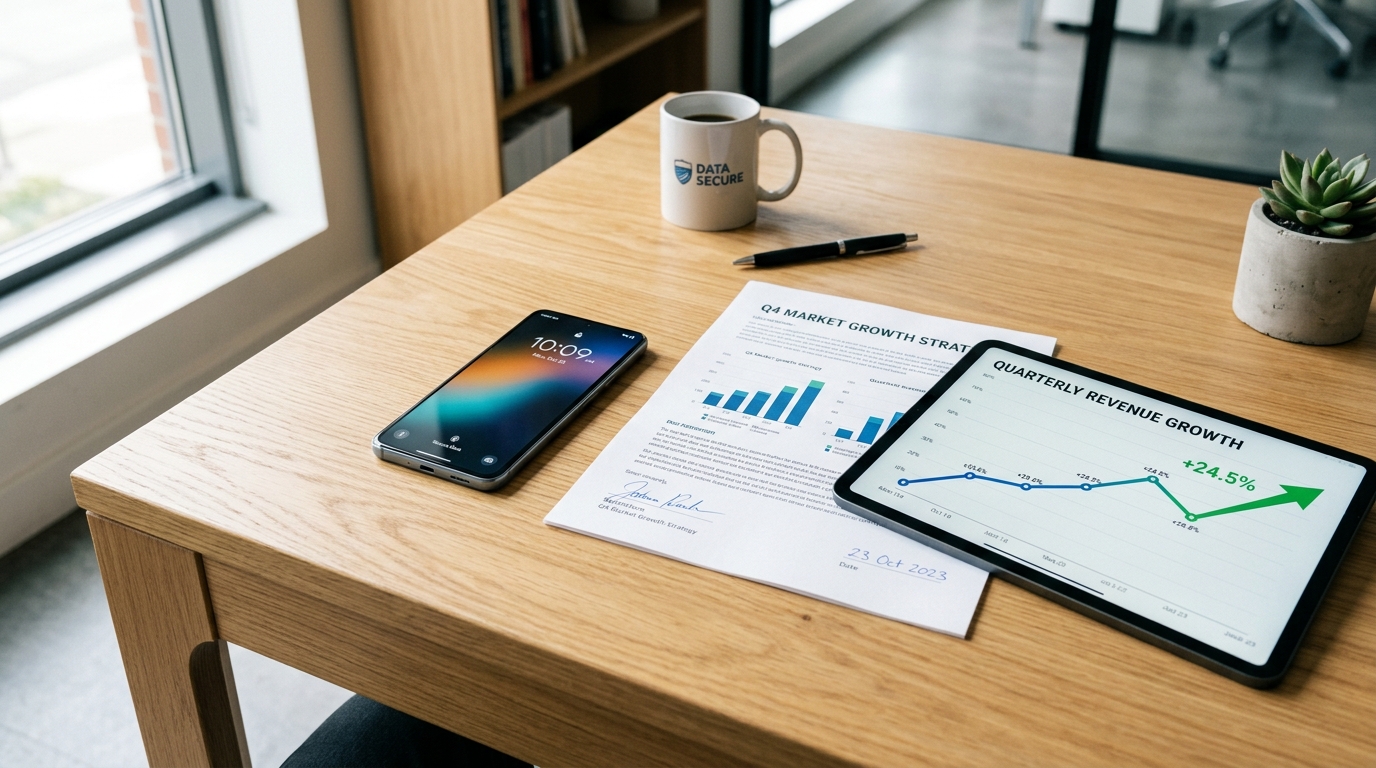
Global mobile app installs jumped by 10% over the past year, while consumer spending climbed 10.6% to reach a significant $167 billion, according to the newly released Mobile App Trends 2026 report by Adjust. The data paints a clear picture: professionals are moving their most critical workflows entirely to mobile. Yet, despite this reliance, many people still hold onto outdated beliefs about digital document management.
Modern mobile fax and scanning apps are secure utilities that process physical paperwork into standardized digital formats locally on your device. For freelancers, small business owners, and remote teams, this means bypassing physical hardware. However, the transition from desk-bound workflows to mobile-first environments is often plagued by misconceptions.
As a full-stack developer who builds cloud storage and file management systems, I spend my days looking at the infrastructure that powers these tools. The reality of how apps process a document today is vastly different from even three years ago. Let's dismantle the most common myths holding back your mobile productivity and look at what the 2026 data actually tells us about modern application infrastructure.
Stop Accepting Cloud Delays in Your Document Workflow
There is a persistent myth that heavy document processing—like optical character recognition or file conversion—must happen on a remote server. Many users assume that if they need a reliable pdf converter, their file has to be uploaded, processed in the cloud, and downloaded back to their phone.
The 2026 industry data proves this approach is a liability. Research highlighted by tech analysts shows that 70% of users delete slow apps on their very first use. Modern mobile architecture has shifted toward native, on-device AI. When you use a high-quality pdf scanner today, the edge detection, cropping, and text enhancement should happen locally using the processor right inside your smartphone.
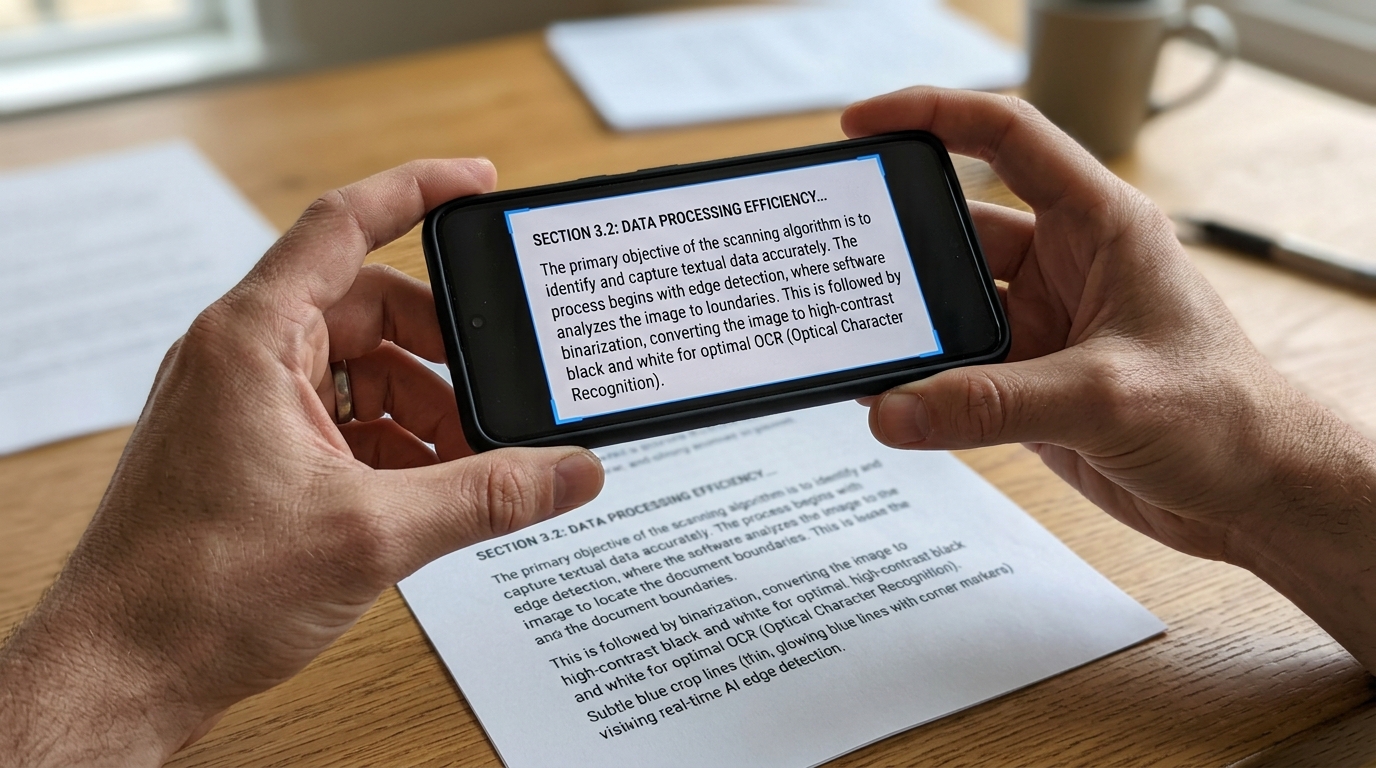
Relying on legacy apps that ping external servers every time you want to convert to pdf introduces unnecessary friction. If your current tool leaves you staring at a loading spinner just to digitize a standard invoice, it is operating on outdated architecture. On-device processing isn't just faster; it operates even without an active internet connection until the exact moment you need to transmit the file.
Recognize the Difference Between a Camera and a Real Scanner
Another common misconception is that standard smartphone cameras have rendered the dedicated document scanner obsolete. I frequently hear from professionals who believe snapping a quick picture is equivalent to creating a proper digital file.
Taking a photo results in a raw image file heavily affected by shadows and angle distortion. When you try to submit these photos to pdf for official business or legal purposes, the lack of clarity can cause rejection. Converting a basic photo to pdf without proper processing leaves artifacts that look unprofessional and waste ink on the receiving end.
A true scanner app, free of unnecessary bloat, actively analyzes the geometry of the paper. It flattens the perspective, removes shadows, and converts the color profile to a stark, legible monochrome format. If your goal is to handle formal communications, you need a dedicated engine designed to scan to pdf, not just a gallery wrapper that hastily stitches pdf photos together.
Demand Better Privacy: Stop Assuming All Apps Steal Your Data
There is a lingering fear that utilizing mobile tools for sensitive paperwork—like medical records or financial statements—inherently compromises privacy. Historically, many free utility apps monetized user data to sustain operations. However, the regulatory environment in 2026 tells a different story.
According to the Adjust 2026 report, iOS App Tracking Transparency (ATT) opt-in rates have risen to 38%. This increase suggests users are willing to share data when they trust the developer, but more importantly, it shows users are actively managing their privacy settings. The mobile economy is punishing apps with poor data practices.
When you handle a sensitive doc, your workflow should be inherently private. For professionals, the migration is moving rapidly toward minimalist, privacy-first environments. Apps like Fax Scan: Send & Receive PDF are engineered specifically for this purpose. If you want secure local storage and encrypted transmission without third-party trackers scanning your files, Fax Scan's on-device architecture is designed for exactly that.
Consolidate Your Fragmented App Drawer
The final myth to abandon is the idea that you need a fragmented software stack to get work done. For years, users were conditioned to download one cam scanner tool for imaging, a separate pdf editor for signatures, a web portal for sending a fax, and a dedicated jpg to pdf converter.
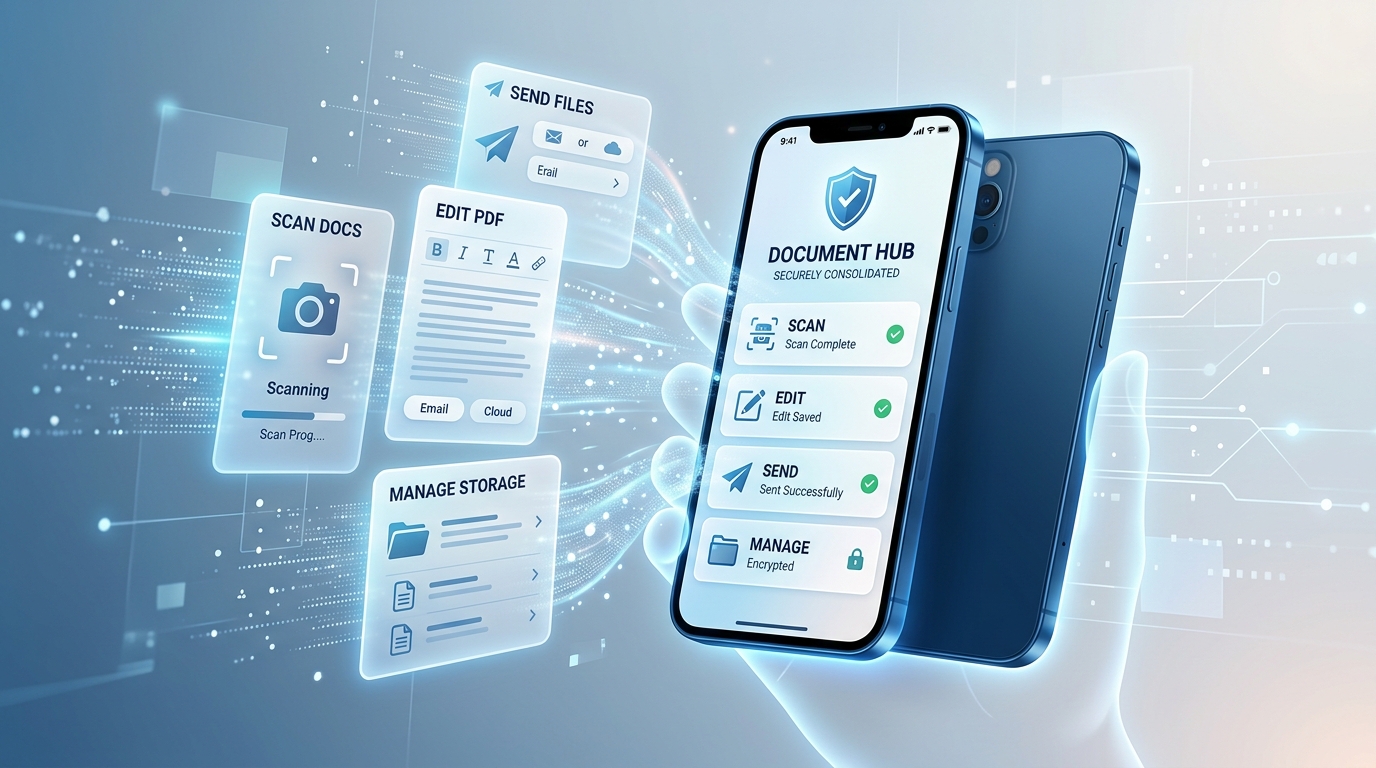
This fragmentation leads to context switching and lost files. Modern utility development focuses on cohesive ecosystems. For instance, reputable development studios like Codebaker prioritize building unified utilities that handle the entire lifecycle of a task from start to finish without forcing the user to bounce between different interfaces.
Whether you need to scan a multi-page contract or learn how to fax from iPhone for free during a trial period for an urgent medical claim, your primary utility should handle the entire sequence. The application should ingest the physical paper, apply the necessary visual corrections, and facilitate the secure transmission protocol.
Audit Your Current Mobile Setup
To ensure your digital workflow aligns with 2026 standards, take five minutes to audit your current utility applications:
- Turn off your Wi-Fi and mobile data. Can your current app still crop and format a new file? If not, it relies too heavily on cloud processing.
- Check the export options. Does it naturally generate compliant digital formats, or does it force you into low-quality image exports?
- Review the transmission history. Is there a clear, encrypted log of what was sent and when it was received?
The technology driving mobile utilities has matured. By discarding these outdated myths and understanding the data behind modern app performance, you can build a more secure, efficient document management system right from your pocket.