
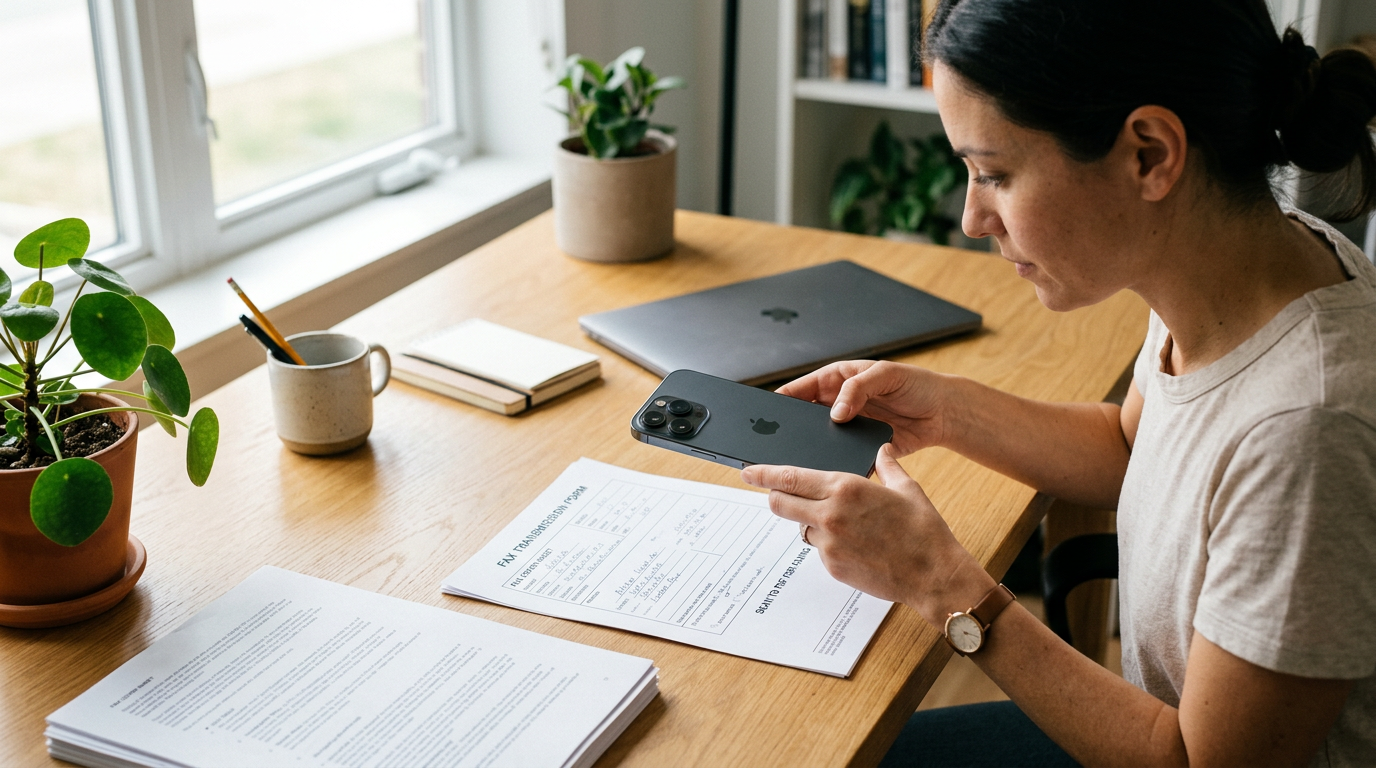
A good pdf scanner should do more than capture a photo. It should help you scan a page clearly, turn it into a readable file with a reliable pdf converter, and make scan to pdf practical when you need to send forms, records, or signed pages from your phone. That is why the improved scanning workflow in FAX Send Receive (ad-free) App matters: it reduces the friction between taking a document photo and actually sending a usable fax from mobile.
For many people, the hard part is not the fax itself. It is preparing the document well enough that the recipient can read it. A dark edge, crooked page, or low-contrast image can turn a simple task into a repeat attempt. The updated scanning experience is built around that real problem.
What changed in the scanning workflow
The app is a mobile fax app for iPhone users who want to send and receive fax documents without a fiziksel fax makinesi. In practice, that means users can capture a page, clean it up, convert it, and prepare it for gönderme or alma in one place instead of jumping between separate tools.
The improved feature set centers on a cleaner document scanner flow:
- Faster edge detection for common paper sizes
- Easier cropping when the page is slightly off angle
- Better contrast for receipts, forms, and lightly printed documents
- Smoother multi-page handling for longer PDFs
- A more direct path from camera capture to fax-ready document
That may sound small on paper, but for real kullanıcılar it removes the usual gap between “I took a picture” and “I now have a clean file I can actually send.”
Why this matters more than another basic scan tool
Many people already have some way to photograph documents. That does not mean they have a dependable scan to pdf workflow. A camera roll image is often too informal for offices, clinics, schools, or legal paperwork. What users usually need is a document scanner that recognizes the page, improves legibility, and outputs a polished PDF instead of a raw photo.
This is where a stronger pdf converter becomes useful. It is not just converting file type for the sake of it. It is turning a casual capture into a structured document that looks closer to something produced by a dedicated office machine.
Unlike a generic camera app, a document-focused flow assumes the page is the priority. Unlike a standalone editor, it also keeps the next step in mind: sending or receiving a fax without opening multiple apps.
Who benefits most from this feature
This improved scanner flow is especially useful for people who handle paperwork in short bursts rather than all day:
- Freelancers sending signed agreements
- Small business owners submitting forms and invoices
- Students sending registration or financial aid documents
- Caregivers and families sharing medical paperwork
- Remote workers who occasionally need fax-compatible files
If your needs are occasional but important, speed matters. You do not want to learn a complex office suite just to send one form.
Who is this not for?
If you need advanced desktop-style markup, deep file collaboration, or enterprise document routing, this may not be your main workspace. The improved scanner is best for users who want a straightforward way to scan documents, convert them cleanly, and move to fax or storage without extra clutter.
Practical situations where the new scanner helps
Features are only interesting when they remove a real annoyance. Here are a few common scenarios where the difference shows up quickly.
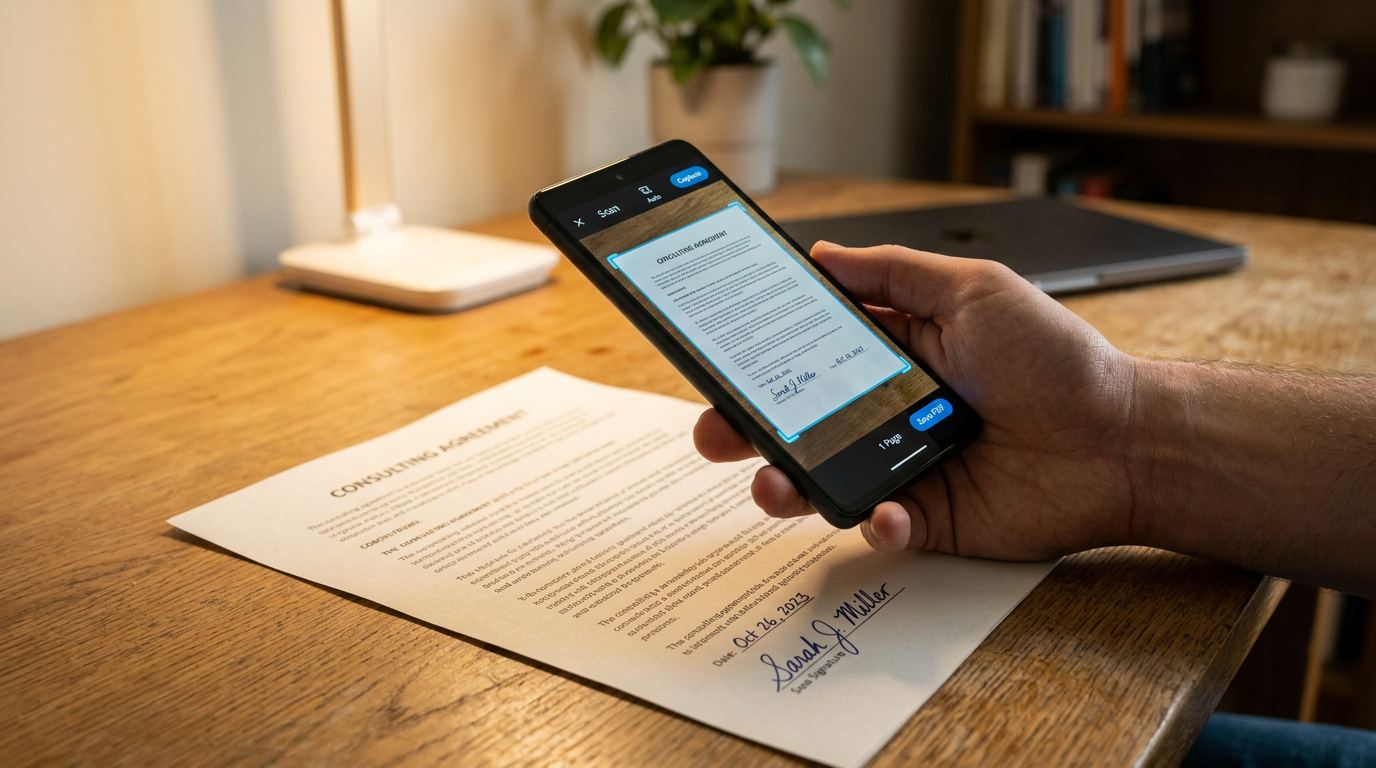
1. The one-page signed form
You print, sign, and need to send the page back right away. A normal photo may include desk shadows or curled paper corners. A proper pdf scanner helps isolate the page, flatten the look, and produce a file that reads like a document rather than a snapshot.
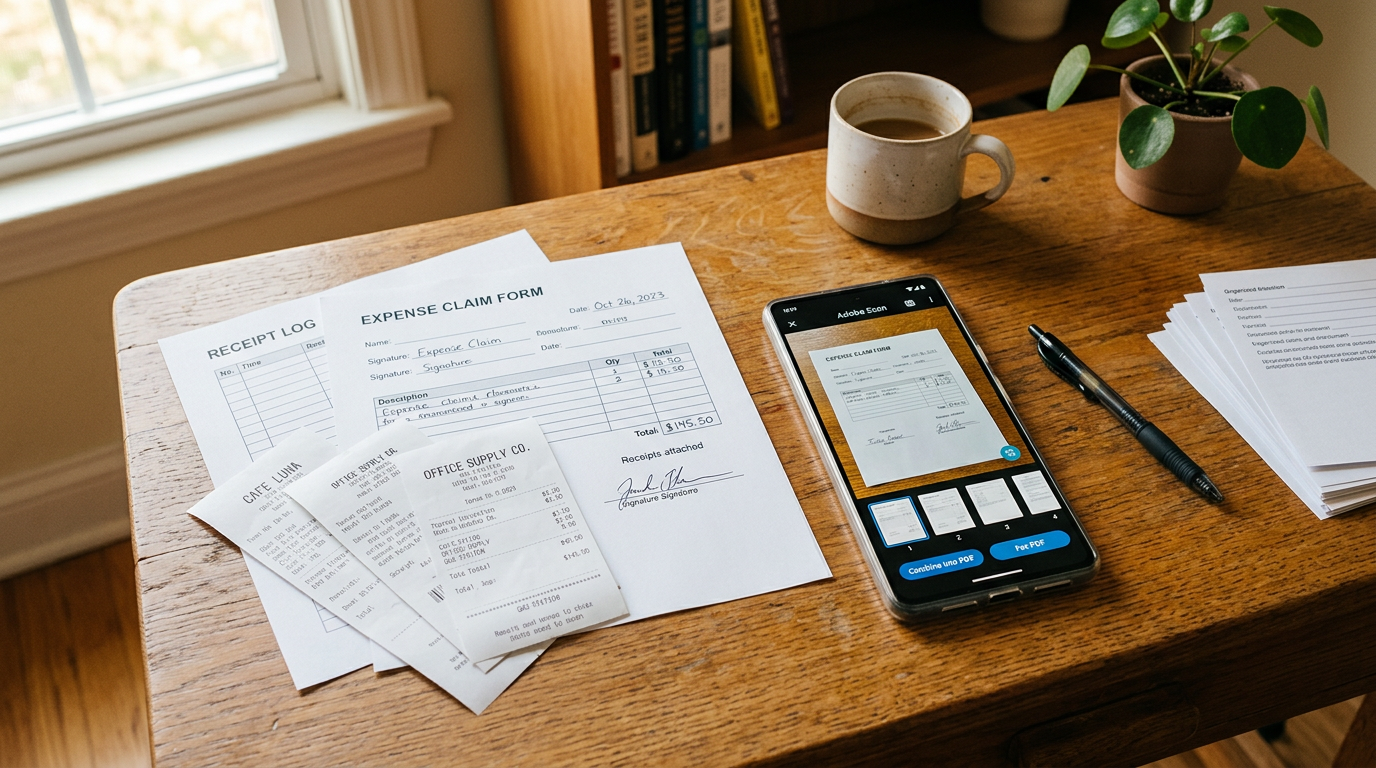
2. Receipts that need to stay readable
Receipts are notorious for faint text. A basic image can lose key details, especially totals or dates. Better contrast handling matters here because a scan that looks acceptable on your phone can become hard to read after fax transmission.
3. Multi-page packets
When you need to scan several pages in order, poor sequencing creates mistakes. An improved flow helps users capture, review, reorder, and combine pages into one PDF before sending. That is much closer to how people expect a fax job to work.
4. Photo to document conversion
Sometimes the source is already an image: a photographed letter, a JPG form, or a saved page from earlier. In those cases, the built-in conversion path functions like a lightweight pdf converter for jpg to pdf, photo to pdf, or photos to pdf tasks without making the user hunt for another app.
What to look for in a scan to pdf feature
If you are comparing mobile tools, do not just ask whether an app can scan. Most can. The better question is whether the result is usable when it matters. A simple decision framework helps:
- Legibility: Does the document stay readable under uneven light?
- Speed: How many steps are there between capture and sending?
- Multi-page handling: Can you build a proper PDF without confusion?
- Conversion support: Can it handle doc images, jpg to pdf, and mixed document inputs?
- Fax readiness: Does it fit naturally into a mobile fax workflow?
- Ease of use: Can occasional users figure it out without trial and error?
This is where the app’s positioning makes sense. It is not trying to be every kind of pdf editor or desktop replacement. It is focused on helping users prepare documents well enough to send from mobile with fewer avoidable mistakes.
A few questions people usually ask
Can I use this as a fax from iphone free workflow?
People searching fax from iphone free usually want the quickest way to send a document without a physical machine. In practical terms, the scanning improvement helps by making the file fax-ready faster, which is often the part that causes delays.
Is a camera photo the same as a document scan?
No. A camera photo captures everything in view. A document scan is supposed to prioritize the page itself, improve clarity, and export it in a format that is easier to share and archive.
Do I need a separate converter after scanning?
Usually not, if the app already turns captures into PDF well. That is the point of having a built-in conversion path instead of moving files across several tools.
What if I only fax occasionally?
That is actually where a simpler workflow helps most. Occasional users benefit from fewer decisions, fewer file-format issues, and a cleaner path from paper to sent document.
Why the improvement is easy to underestimate
Scanning upgrades rarely sound dramatic. There is no flashy headline in “better crop detection” or “cleaner contrast.” But these are exactly the things that affect whether a form gets accepted the first time.
A weak scan creates downstream problems: pages resent, signatures questioned, missing details, and extra back-and-forth. A better scan prevents those problems before they start. For mobile fax users, that is often more valuable than adding another feature tab.
It also reflects how people actually work now. Most users are not standing next to a dedicated faxmachine or flatbed scanner. They are working mobilden, from a kitchen table, a car seat, a waiting room, or a small office corner. The app is useful because it accepts that reality instead of expecting perfect conditions.
Where this fits in the app overall
FAX Send Receive (ad-free) App is for people who want to send and receive fax documents on iPhone without relying on a fiziksel makinesi. The improved scanner is part of that promise, because sending a fax successfully starts with creating a readable document.
If you want a cleaner path from paper page to fax-ready PDF, FAX Send Receive (ad-free) App is designed for that. And if you are still comparing approaches, it may help to review how the app handles mobile faxing overall and what makes a practical mobile document workflow easier.
The real value of an improved pdf scanner is simple: less time fixing pages, less uncertainty about file quality, and a better chance that the first send is the only send you need.