
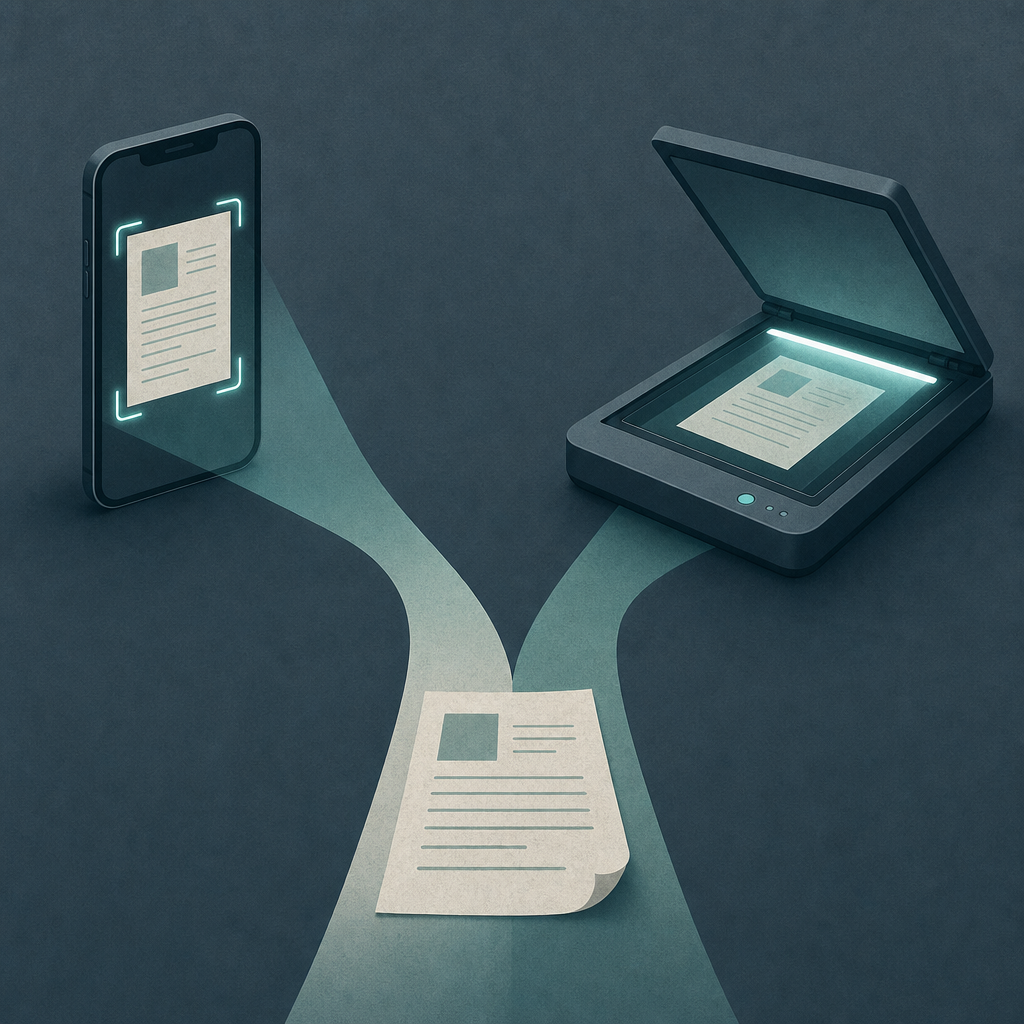
Short answer: For a single signed page going to a fax or an email — a W-9, a lease, a benefits form — your phone usually wins, because fax and most upload portals only need clean, high-contrast black-and-white, and a good scan app delivers that with no hardware. A flatbed scanner earns its keep for thick bound books, photographs, fragile originals, and large batches where a feeder beats holding a camera steady.
The honest version of the debate is narrower than people make it. Nobody is faxing a glossy photo. The real question is whether the rectangle of paper in front of you survives the trip to a recipient who only sees the result. So I ran the same documents through all three routes and judged the output, not the marketing.
The test: same two pages, three scanning routes
I picked two documents that break scanners in different ways. A blank IRS W-9 — crisp printed type, fine lines, the kind of form a landlord or payroll office actually wants faxed. And a faded thermal receipt, the gray-on-gray nightmare that exposes whether a tool can pull weak text out of low contrast. Each went through three routes.
Method
Device: a recent iPhone. Apps: a phone scan-to-fax app (Fax Scan) and Apple's built-in scanner in Notes/Files for the auto-scan route; a consumer flatbed scanner at 300 DPI for the hardware route. Each output saved as PDF, previewed in 1-bit black-and-white (the format a fax actually transmits), then read back. What I will not do: publish made-up numbers. I am not quoting OCR accuracy percentages or exact file-size bytes, because those depend on the specific app build, compression setting, and OCR engine, and I did not run a controlled lab to produce defensible figures. The comparisons below are qualitative observations plus protocol facts you can verify yourself.
| Route | W-9 (printed form) | Faded receipt | File for fax/email |
|---|---|---|---|
| Phone auto-scan (edge-detect + B&W filter) | Sharp, square, lines intact after cropping past the page edge | Best of the three — the high-contrast filter lifted weak text the eye almost missed | Small PDF, tuned for documents; cleanest in the 1-bit fax preview |
| Phone manual photo (camera roll, no app) | Usable only if perfectly lit; one shadow and a corner curled into a smudge | Worst — color photo of gray paper, ambient light flattened the text further | Large color image; bloated and uneven once forced to B&W |
| Flatbed scanner (300 DPI) | Excellent and dead flat — no perspective skew at all | Good, even contact lighting, but no smart contrast boost unless I tuned settings | Clean PDF; larger at higher DPI than the app's document output |
The pattern held across both pages. The flatbed produced the most geometrically perfect scan — a sheet of glass pressed flat against the original beats any handheld angle. But the phone auto-scan produced the most fax-ready file, because its document filter is built to do the one thing fax needs: maximize black-and-white contrast. The naked camera photo lost both times. A photo of a document is not a scan, and the gap shows the instant you flatten it to 1-bit.
Why fax flatters the phone (and why DPI matters less than you think)
Standard fax transmits in black and white — one bit per pixel, no grays — at a resolution defined by the old ITU-T T.4 standard: roughly 204 dots per inch horizontally and either 98 (standard) or 196 (fine) lines vertically. That is far coarser than the 300 DPI you'd set on a flatbed for archival scanning. The implication is blunt: once a page is destined for a fax, extra scanner resolution is thrown away. Contrast is what survives. A clean 1-bit conversion of a phone scan can arrive looking better than a high-DPI flatbed scan that was never contrast-tuned, because the fax downsamples both to the same coarse grid.
Claim: For documents bound for a fax, scan contrast matters more than scanner DPI.
Evidence: Fax transmits a 1-bit image at roughly 204×196 DPI fine mode (ITU-T T.4); higher-DPI grayscale detail is discarded in the conversion.
Limit: This is about fax and similar 1-bit output, not archival or photo scanning, where DPI and bit depth genuinely matter.
Action: Preview any scan in black-and-white before sending; if text breaks up there, fix the capture, not the resolution.
For email and PDF uploads the math shifts slightly — those keep color and detail — but even there, most government and court e-filing portals ask for legible black-and-white PDFs at a modest DPI, not high-resolution color. U.S. federal court CM/ECF filing guidance, for instance, centers on producing readable PDFs within size limits, not on pixel counts. A phone scan app that exports a tidy, deskewed PDF clears that bar comfortably.
Where the flatbed genuinely wins
I don't want to oversell the phone. There are real jobs a flatbed does better, and pretending otherwise would be dishonest. A flatbed scanner using a CCD sensor (the kind in many traditional flatbeds, as opposed to the CMOS sensor in your phone, per common manufacturer and academic descriptions of scan optics) holds focus across the whole glass and handles depth — so a thick book that won't lie flat, or a page where the gutter curves away, comes out even. A phone camera fights perspective on anything that isn't pressed flat.
The flatbed also wins on three things a phone struggles with:
- Bound or thick originals — books, passports, stapled multi-page packets that won't sit flat for a camera.
- Photographs and artwork — anything where continuous-tone color and tonal accuracy matter, which is exactly what fax and document filters throw away.
- Large batches — a scanner with an automatic document feeder beats hand-capturing forty pages, every time.
So the flatbed isn't obsolete. It's specialized. If your daily reality is photo archiving or digitizing a library, buy the scanner. If your reality is "someone needs this one signed form faxed today," the scanner is a heavier answer to a lighter problem.
Do you even need a fax — or just a clean scan?
Worth a pause before you choose any tool. Many "send me a fax" requests are really "send me a clean copy," and email or a portal upload is fine. If nobody specifically requires a fax number, you don't need the fax layer at all — a phone scanner that exports a sharp, deskewed PDF does the whole job. A document scanner like Scan Cam handles that scan-to-PDF path on the phone, no flatbed required. Reach for scan-to-fax only when the other side genuinely wants it transmitted to a fax number.
FAQ
Is a phone scan really good enough for official documents?
For most forms going to fax, email, or an upload portal, yes — if you crop to the true page edge and export a high-contrast PDF. The limiting factor is capture quality, not the camera. A skewed, shadowed photo fails; a deskewed scan-app capture with a document filter usually meets the legibility most agencies ask for. Bound books and photos are the exceptions where a flatbed is better.
Why does a phone scan sometimes beat a flatbed for faxing?
Because fax discards almost everything a flatbed's extra resolution captures. Fax sends a 1-bit black-and-white image at roughly 204×196 DPI in fine mode (ITU-T T.4), so high-DPI grayscale detail is downsampled away. A phone app's black-and-white document filter is tuned to maximize contrast for exactly that 1-bit target, which can produce a cleaner result than an untuned high-DPI flatbed scan.
What DPI should I scan at for fax versus email?
For fax it barely matters, since the protocol caps effective resolution near 200 DPI regardless. For email or a PDF upload, a deskewed black-and-white PDF at a modest resolution is usually plenty; U.S. court CM/ECF guidance, for example, emphasizes readable PDFs within file-size limits rather than a high pixel count. Use color only if the document genuinely needs it.
Can I scan a document with my phone without any extra hardware?
Yes. Apple's built-in scanner in the Notes and Files apps, or a dedicated scan app, detects the page edges, deskews, and exports a PDF using only the camera. A scan-to-fax app adds the transmission step so you never touch a fax machine. You enter the recipient's fax number exactly as you'd dial it, country and area code included.
What I'd do
For a single signed page that has to be faxed or uploaded today, I'd scan it with my phone — auto-detect the edges, fix the crop past any wrinkle, preview it in black-and-white, then send. No printing, no flatbed, no machine added to a job the phone already finishes. I'd keep the flatbed for what it's actually best at: books, photos, fragile originals, and big batches through a feeder. And before installing any fax tool, I'd confirm whether a plain PDF is accepted, because half the time it is. Fax Scan is built by CodeBaker, which makes a small family of phone-first utilities for these "I need this done now, on my phone" moments — and the same logic applies to scanning: match the tool to the page, not the page to the tool.