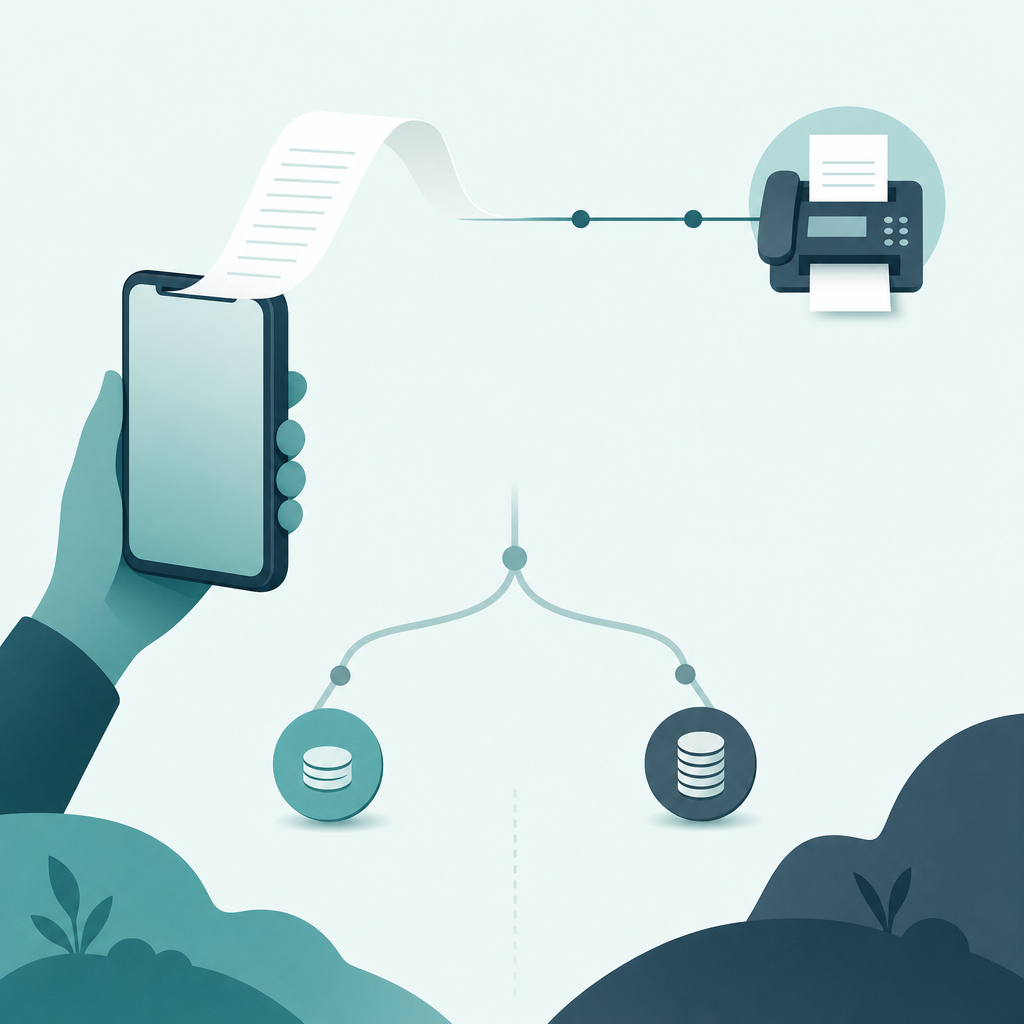
Short answer: The easiest way is a scan-to-fax app. You photograph the page, let the app straighten and clean it, type the recipient's fax number, and pay either per page or through a monthly plan. No fax machine, no landline, no printer. The slow part is never your iPhone — it is the fax transmission itself, which crawls along at roughly a page per minute.
The decision people actually get wrong is not how to fax from a phone. It is which payment model to pick. If you fax once a year, a monthly subscription is money set on fire. If you fax twice a week, pay-per-page credits quietly cost more than a plan. Below is the decision tree I'd use, plus a worked cost example for a single 3-page fax so you can see where the line sits.
First, answer three questions before you install anything
Most "how do I fax from my iPhone" support questions collapse into three forks. Walk them in order.
- One-off, or recurring? A single signed lease page going to a landlord is one-off. A weekly insurance form is recurring. This single answer decides pay-per-page versus subscription more than anything else.
- Send only, or send and receive? Sending is the easy path — you type a destination number and go. Receiving requires a dedicated fax number assigned to you, which almost always sits behind a paid number plan, not the one-tap send flow.
- Is a real fax even required? Plenty of "fax it to me" requests are satisfied by a clean PDF over email. If no one specifically gave you a fax number, you may not need a fax app at all.
That third fork is the one worth pausing on. Be honest about the ask before you pay for transmission you don't need.
The worked cost example: one 3-page fax
Here is the part the app store listings blur. Two pricing models dominate scan-to-fax apps: pay-per-page credits, and a flat monthly plan (often around $9–$10/month, billed as a recurring subscription). I am not going to quote any single app's exact cent-per-page rate as a fact, because those rates change constantly and vary by destination country — the App Store Review Guidelines require apps to disclose the real price and renewal terms at purchase, so check the in-app screen, not a blog. What I can do is show you the shape of the math with a labeled illustrative rate.
| Scenario (one 3-page fax) | How you're charged | Illustrative cost* | When it wins |
|---|---|---|---|
| Pay-per-page credits | Buy a small credit pack; spend ~3 pages of credit | One small one-time purchase — no renewal | You fax rarely (a few times a year) |
| Free starter / trial pages | A handful of included pages, then paywall | $0 if 3 pages fit the free allowance | A true one-off, if the allowance covers it |
| Monthly plan (~$9–$10/mo) | Flat fee, "unlimited" or high page cap, auto-renews | ~$9–$10 every month until you cancel | You fax repeatedly within a billing cycle |
*Rates are illustrative for comparison only. I deliberately did not invent a precise per-page price; confirm the live number in the app, which the App Store requires it to disclose before purchase.
The takeaway is simple arithmetic, not a deal. For a single 3-page fax, a one-time credit pack (or a free starter allowance) almost always beats committing to a monthly plan that renews whether you fax again or not. The plan only pulls ahead once your faxing volume in one billing cycle exceeds what credits for the same pages would cost. The trap is signing up for a subscription to send one document, then forgetting to cancel — that's how a 3-page fax becomes a $40 fax over four months.
Claim: For an infrequent sender, pay-per-page or a free starter allowance is cheaper than a monthly fax subscription.
Evidence: A flat monthly plan (~$9–$10) renews regardless of use; a one-time credit pack does not.
Limit: Exact per-page rates vary by app and destination country and are not quoted here as fact.
Action: If you'll send a single fax, buy credits or use the free allowance; reserve a subscription for recurring faxing.
Do you need a dedicated fax number?
Only if you need to receive. Sending a fax does not require you to own a number — you dial the recipient's, the same way you'd punch it into an old machine, country and area code included. Receiving is different: a fax has to land somewhere, and that somewhere is a dedicated inbound number leased to you. That number is the thing you're really paying a monthly plan for. So if all you do is send signed forms outbound, skip the number plan entirely. If a clinic or court needs to fax you back, that's when an inbound number earns its keep.
How to scan a page so the fax is actually readable
This is the step the recipient judges you on, and it has nothing to do with which app you bought. A fax is a 1-bit black-and-white image — the protocol predates color — so a crooked, shadowed photo of a crumpled form arrives as a smudge. Get the capture clean and the rest is typing a number.
- Put the page on a contrasting surface. A white form on a dark desk lets edge-detection find the corners. White-on-white and the app guesses badly.
- Let auto-capture frame it. Modern scan apps — and Apple's own scanner built into the Notes and Files apps, per the iOS user guide — detect the document outline and shoot when it's square. Hold steady instead of chasing the shutter.
- Fix the crop before sending. Drag the corner handles to the true page edge. Pull them past a wrinkle line so the recipient sees a rectangle, not a wave.
- Preview in the black-and-white "document" filter. Because fax is 1-bit, that high-contrast view shows almost exactly what the other machine prints. If text looks broken there, it'll be broken on their end.
Why the fax is slow even when your scan was instant
Worth understanding so you don't blame your phone. Fax transmission runs on the ITU-T T.30 protocol (and T.38 when the call rides over the internet). The two endpoints handshake, negotiate a speed, then send each page as image data at a fixed rate — historically around a page a minute for a dense page. Your iPhone finished its job the moment you tapped send. The clock after that belongs to a 1980s telephone standard, which is also why a five-page document takes roughly five times as long as one page. The FCC's consumer guidance still treats fax over phone lines as a standard service, which is part of why the protocol — and its pacing — hasn't gone anywhere.
One caution before faxing anything sensitive
Fax survives in healthcare, law, and finance largely for compliance reasons, so the documents are often sensitive. If you're sending protected health information in the US, HHS HIPAA guidance treats fax as an acceptable channel but still expects reasonable safeguards: confirm the destination number before you send, and don't leave the scanned image sitting in your shared photo roll afterward. Keep the confirmation page as proof of delivery. This is general guidance for US senders, not legal advice — if you handle regulated data regularly, check your own organization's policy.
FAQ
Can I really send a fax from an iPhone with no fax machine?
Yes. A scan-to-fax app uses your camera as the scanner and sends through a fax gateway, so you never touch hardware or a landline. You enter the recipient's fax number exactly as you'd dial it, including country and area code, and pay either per page or through a plan.
Is pay-per-page or a monthly subscription cheaper?
For a one-off fax, pay-per-page credits or a free starter allowance almost always win, because a monthly plan (commonly ~$9–$10) renews whether you use it or not. A subscription only pays off once your faxing volume in a single billing cycle exceeds the equivalent credit cost. Confirm live rates in the app — the App Store requires that disclosure at purchase.
Do I need my own fax number to send?
No. Sending only requires the recipient's number. A dedicated number is needed solely to receive faxes, and it's usually bundled into a paid number plan rather than the free send path. If you never need faxes coming back to you, skip the number.
Is an iPhone camera scan good enough quality to fax?
It is, if you crop tightly and use the black-and-white document filter. Fax sends a 1-bit image, so contrast matters far more than megapixels. A clean B&W capture from a phone often arrives sharper than the output of a tired office fax machine.
Why does a fax take a minute when the scan was instant?
Because transmission follows the ITU-T T.30 protocol: the machines handshake, agree a speed, then send each page as image data at a fixed rate. That pacing — not your phone — sets the clock, which is why multi-page documents take proportionally longer.
What I'd do
If you need to fax one document from your iPhone today, install a scan-to-fax app, scan the page on a dark surface, fix the crop, preview it in black-and-white, and pay with credits or the free allowance — not a subscription you'll forget to cancel. Reserve a monthly plan and a dedicated number for genuinely recurring, two-way faxing. And before any of that, ask whether they'd accept a PDF; half the time the fax was never really required. If you also want a second phone number for calls and texts alongside faxing, a second-number app like TextCall covers that separate job. Fax Scan comes from CodeBaker, which builds a small family of phone-first utilities for exactly these "I need this done now, on my phone" moments.