
It surprises people every year: in 2026, with most of the tax world online, the IRS still asks for a fax in certain situations. If you’ve ever opened an IRS notice, searched “IRS fax number,” and wondered whether you really need to dig up a fax machine, this guide is for you. The short version: fax is still alive for specific IRS processes — but not for everything, and you almost certainly don’t need a machine to do it.
Below we cover which tax documents actually use fax, which ones don’t, the one rule that saves you from sending paper into a void, and how to fax a document from your phone if it turns out you do need to.
Which IRS documents still use fax in 2026
Faxing tends to come up around a handful of IRS situations. Common ones include:
- For Form SS-4, confirm the current fax option and number on the official IRS filing page. The applicable destination depends on the location and situation described there; do not reuse a third-party number without checking it.
- For Forms 2848 and 8821, consult the IRS authorization submission instructions. The official page explains the available submission routes; use the one that applies to your case.
- Responding to certain notices. Some IRS notices (such as a CP2000 or an identity-verification request) provide a fax number on the letter itself for sending back your response or supporting documents — use only the contact method and number printed on your own notice.
- Form 3911 and examination document requests. Form 3911 is for tracing a refund check that was issued but never arrived; document requests during an examination come with their own instructions. In both cases, send only to the fax number or address the IRS gives you in its letter or in the form’s official instructions.
The thread running through all of these: fax is one accepted channel for specific forms and responses, usually where a signature or supporting document is involved.
What you cannot fax to the IRS
Just as important is what fax is not for. Do not fax a regular annual income-tax return (Form 1040) unless IRS instructions for your specific case explicitly tell you to — returns are normally e-filed or mailed, not faxed. And for many authorizations and uploads, the IRS would prefer you use its online tools and secure-upload options, which are often faster than fax. So before you fax anything, it’s worth checking whether an online route exists for your specific task.
The one rule: use the number on your notice or the official form
There is no single “IRS fax number.” The correct number depends on the form, the type of request, and sometimes your location. The reliable rule is simple: use the fax number printed on your own IRS notice, or the one listed in the official instructions for that specific form on IRS.gov. A number you found on a random third-party page may be outdated or for a different department — and a tax document sent to the wrong place is worse than not sent at all. When in doubt, verify on the official IRS page for your form (links at the end).
How to fax the IRS from your phone — no machine, no landline
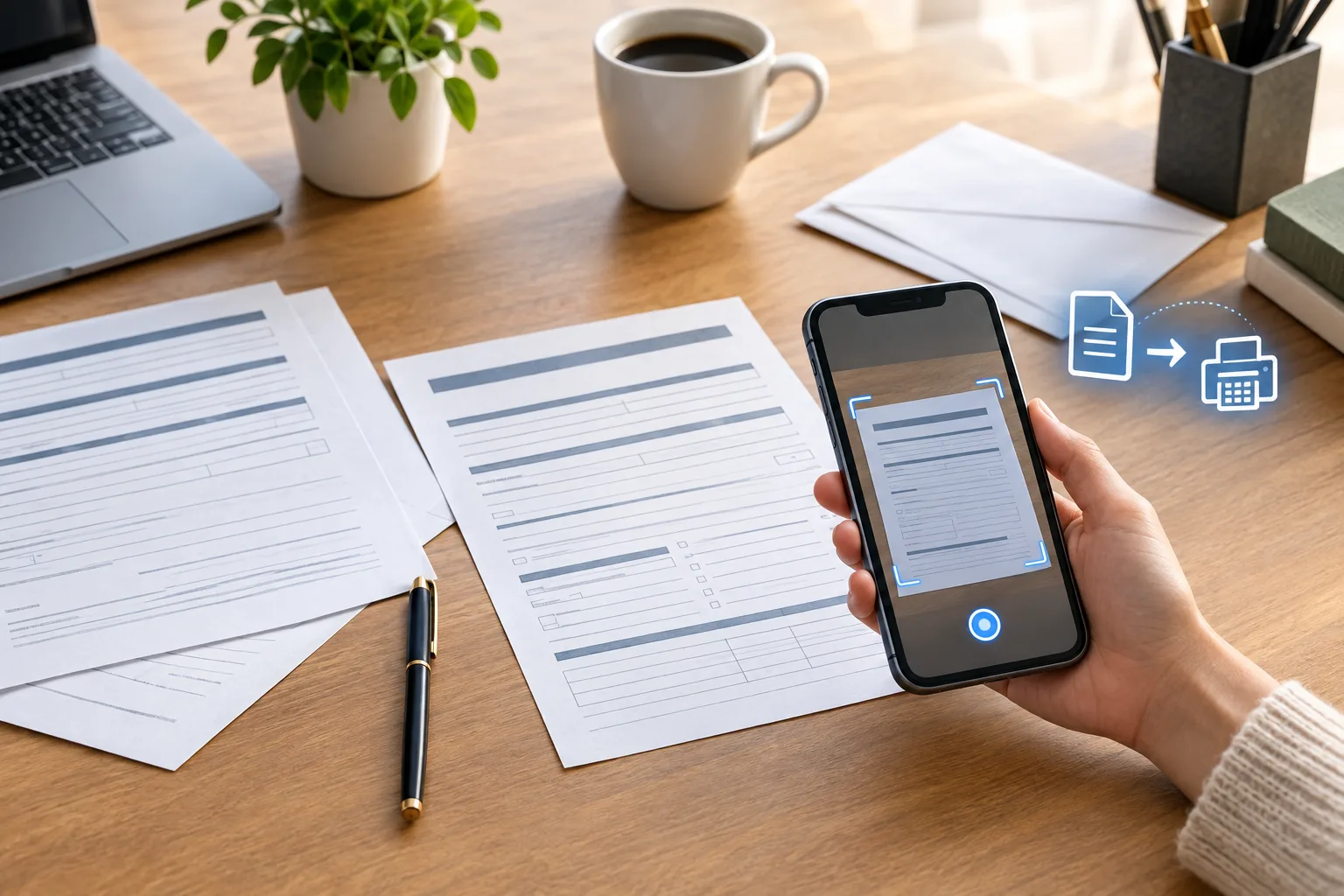
If you’ve confirmed you do need to fax, here’s the good news: you don’t need to buy or borrow a fax machine, and you don’t need a phone line. With a mobile fax app like Fax Scan you can scan a paper document with your phone’s camera and send it as a fax in a few steps. The workflow that keeps things clean:
- Scan the document properly. Lay it flat in even light and let the app detect the edges, so the IRS receives a crisp, fully legible page — not a dark, angled photo. If your response is several pages (your letter plus the notice plus proof), scan them into one ordered document.
- Include only the identification and cover information required by your own IRS notice or official form instructions. Review the destination before sending sensitive identifiers; do not add a Social Security number merely because a generic fax checklist suggests it.
- Send the original notice page back if asked. Many notices want their own response stub or reference page returned with your documents — scan and include it.
- Double-check the destination number against your notice or the official form page before you hit send.
- Keep the confirmation. Save the send confirmation and a copy of exactly what you sent, with the date. If a question ever comes up about whether you responded on time, that record is your proof.
Sending from your phone also means you’re not standing at an office machine feeding pages — useful when an IRS deadline lands on a weekend and you just want it done from home.
A few honest caveats
Fax Scan is a document-scanning and faxing tool, not a tax service, and it has no affiliation with the IRS. It can help you turn paper into a clean, sent fax — it can’t tell you whether your particular form should be faxed, mailed, or submitted online, or what your tax situation requires. IRS procedures, fax numbers, and online options change, so always confirm the current method and number for your specific form or notice on IRS.gov, or check with a qualified tax professional. For sensitive tax documents, send only to a number you’ve verified from an official source.
Sources
- IRS, “Where to file your taxes for Form SS-4” (mail or fax, fax numbers): irs.gov/filing/where-to-file-your-taxes-for-form-ss-4
- IRS, “Submit power of attorney and tax information authorizations” (Forms 2848 & 8821, online and fax options): irs.gov/submit-power-of-attorney-and-tax-information-authorizations
- IRS, “Understanding your IRS notice or letter” (the response method and number are on your notice): irs.gov/individuals/understanding-your-irs-notice-or-letter
For the related workflow and its limits, read: How to Scan a Document to PDF on iPhone and Android (No Extra Hardware).