
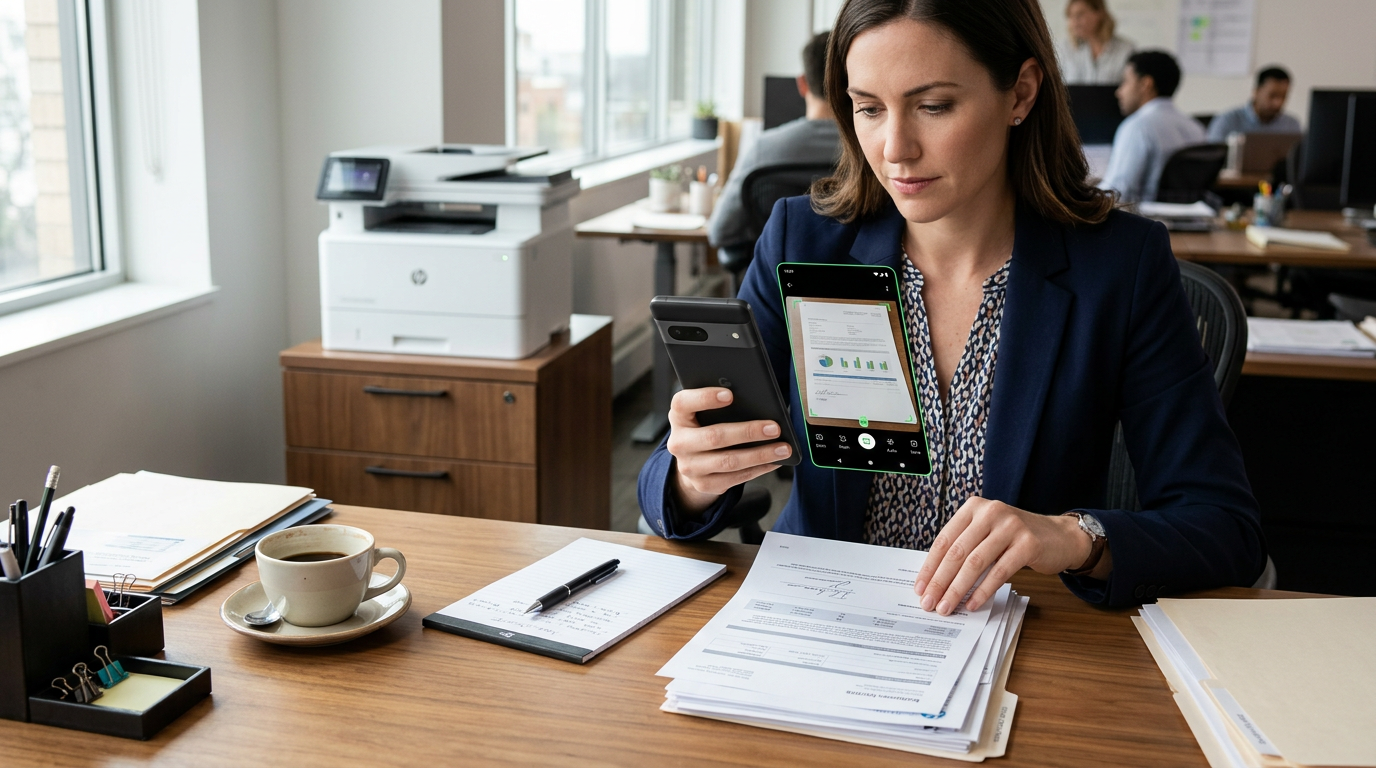
After enough people use the same tool for the same job, patterns start to appear. A scanner app free experience is not just about scanning paper into a pdf; for many users, it is really about turning everyday documents and a quick photo to pdf into something ready to send, file, or fax without friction.
That is the clearest lesson from a recent milestone around FAX Send Receive (ad-free) App, a mobile app for iPhone users who need to send and receive fax from their phone instead of relying on a fiziksel fax makinesi. Rather than treating the milestone as a victory lap, it is more useful to ask a better question: what do repeated user actions tell us about how people actually handle paperwork on a phone?
Most people are not looking for “a scanner.” They are trying to finish a task.
There is a big difference between browsing for a tool and trying to solve an urgent paperwork problem. When users search for terms like adobe scan, cam scanner, pdf scanner, or scan to pdf, what they usually need is much more specific:
- scan a signed page before a deadline
- turn a phone photo into a readable attachment
- combine work or legal documents into one file
- send forms by fax from a mobil device
- keep a clean digital copy for records
That distinction matters. In practice, a scanning workflow succeeds when it removes uncertainty. People do not want to wonder whether the file will be accepted, whether the pages are in the right order, or whether a crooked image will look unprofessional after conversion.
The milestone that matters: repeated behavior, not vanity numbers
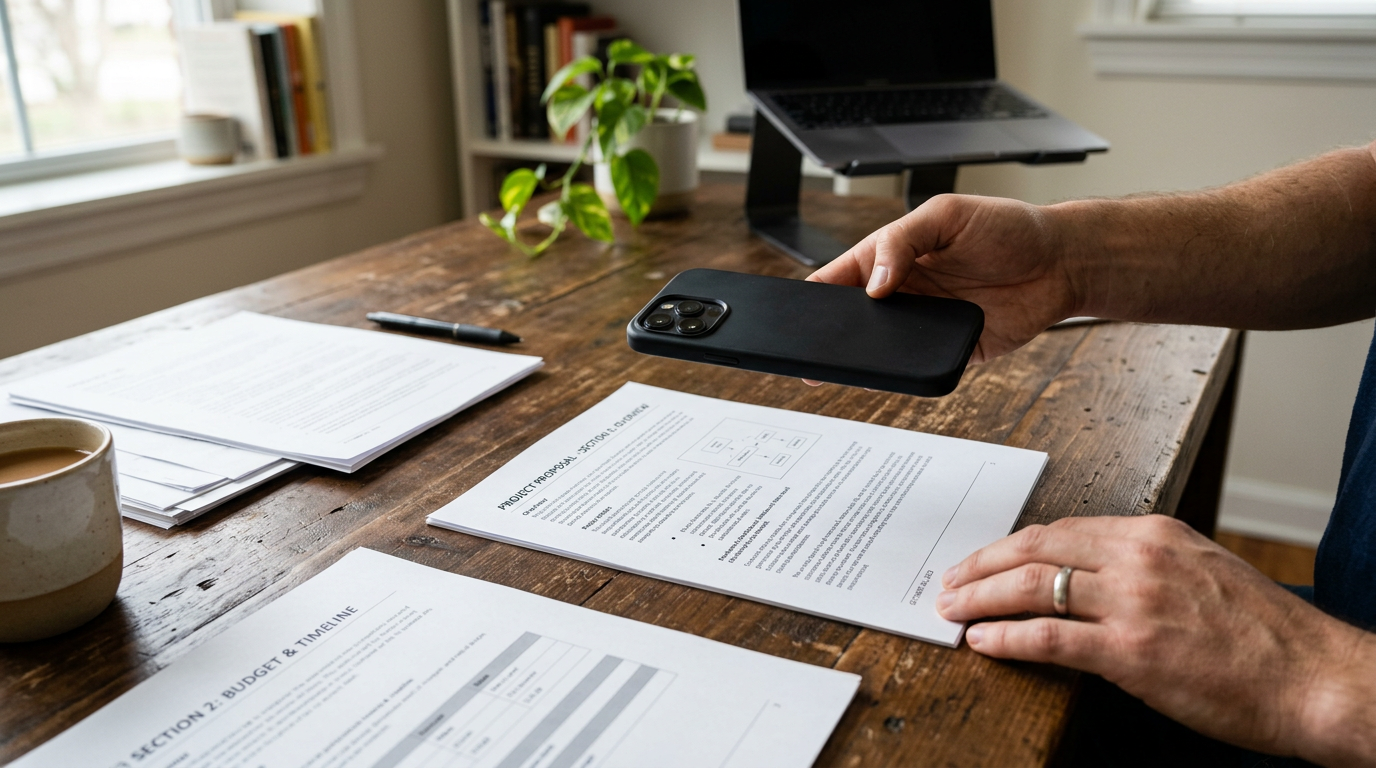
Raw download counts can be misleading. A more useful milestone is sustained activity: users returning to process documents, create a pdf, add a cover page when needed, and send the file without hunting for a separate faxmachine. That tells you the app is fitting into a real workflow.
In mobile paperwork, repeat usage usually points to one of three realities:
First, paperwork is rarely one-time. Someone may think they only need mobile fax once, then discover they also need to resend insurance forms, submit onboarding doc files, forward receipts as jpg attachments, or keep digital copies of signed pages.
Second, capture quality affects trust. A blurry photo is easy to take. A readable scan people feel safe sending is another matter. That is why searches for photo to pdf often overlap with searches for pdf converter and pdf photos.
Third, sending is only half the job. Many kullanıcılar do not just need gönderme. They also care about alma: receiving pages, reviewing them, and storing them in a format they can reuse later.
What users seem to value most in a scanner app free workflow
A milestone becomes educational when it helps other people choose better. Based on common mobile fax and scanning behavior, a useful evaluation framework looks like this.
- Speed from camera to file
If a person starts with a paper page or a phone image, they want a short path from scan to send. Extra steps often lead to mistakes. - Readable output
The scan should look clean enough for contracts, forms, IDs, and routine office paperwork. This is where people often compare a tool with alternatives like adobe scan or a generic pdf scanner. - Simple photo to pdf conversion
Many users do not have a document scanner nearby. They are standing in a kitchen, office lobby, clinic, or hotel alma check-in desk with only their phone. - Multi-page handling
Real paperwork is rarely one sheet. Users need pages in order, easy review, and minimal friction when creating a single pdf. - Fax readiness
Not every scanner handles the next step. If the end goal is fax gönderme or alma, the handoff from scan to fax matters. - Calm interface
An ad-heavy experience can be especially frustrating when someone is dealing with time-sensitive documents.
If you want an iPhone workflow where scanning and faxing happen in the same place, FAX Send Receive (ad-free) App is designed for that practical use case rather than for broad document editing first.
Who tends to benefit from this kind of app?
The strongest fit is not “everyone with a phone.” It is usually people who deal with paperwork that still moves through fax lines or formal PDF submission.
Examples include freelancers sending signed agreements, small business owners forwarding forms, field workers handling receipts and job paperwork, patients submitting medical documents, and tenants sending application pages. For these users, the phone is not replacing a full office system. It is replacing delays.
Who is this not for? If someone mainly wants deep annotation, advanced desktop-style layout work, or extensive pdf editor features, a specialized editing tool may be a better fit. Likewise, if a user never sends formal documents and only stores casual notes, a simple camera roll may be enough.
Why people compare adobe scan, generic scan tools, and fax-ready apps
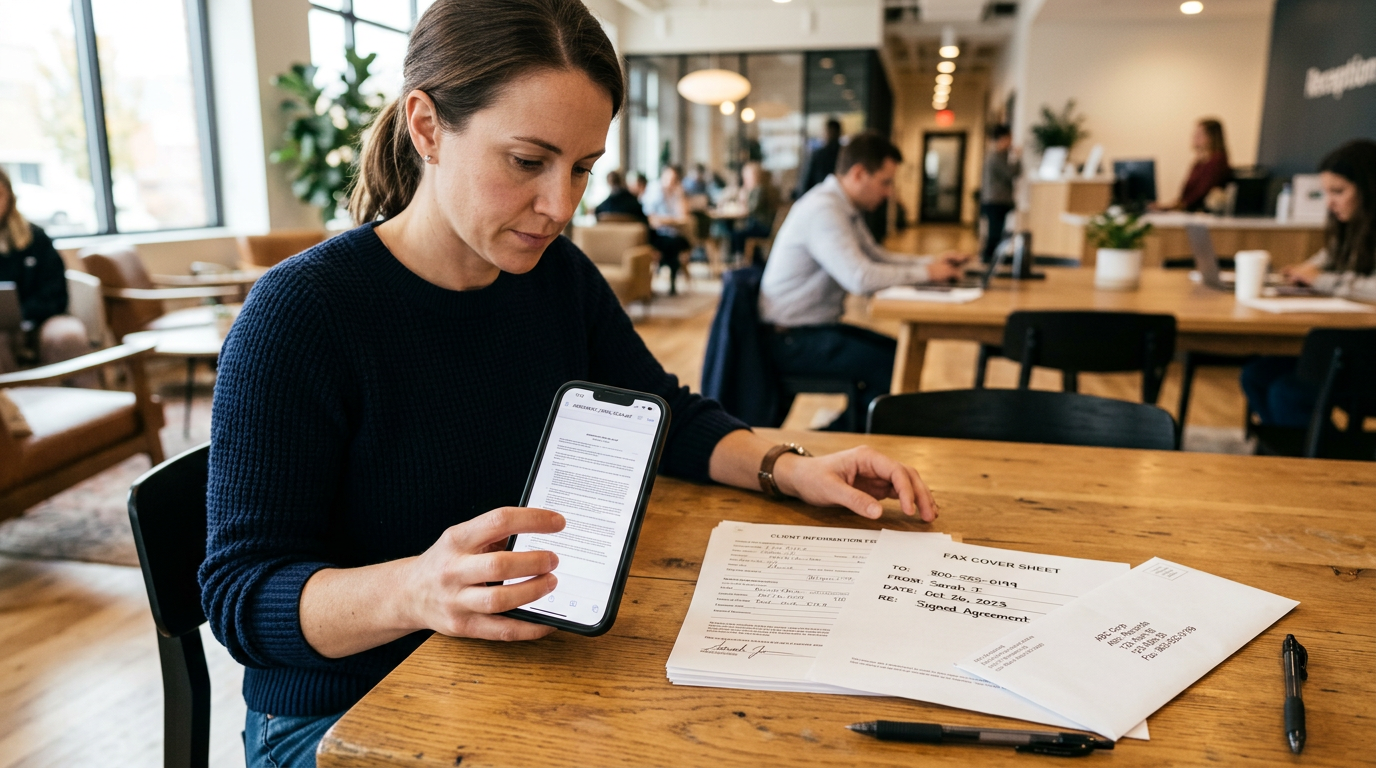
It is normal for users to compare options before settling on a workflow. Some start with adobe scan-style expectations because they want reliable page capture. Others try a general scanner app free option, then realize the real bottleneck is not scanning but delivery.
The most useful contrast is this:
- Generic scanning apps are often good at creating a file.
- Fax-ready document apps are built for creating a file and getting it sent or received in the same flow.
That difference sounds small until you are working against a deadline. A separate scan app, converter, share sheet, and fax service can work, but each handoff adds room for confusion.
For people comparing options, FAX Send Receive (ad-free) App fits the second model: scan, prepare, and fax from one place on i phone.
A few practical questions that come up again and again
Is a phone photo good enough for official documents?
Sometimes, yes—but only if the image is clear, evenly lit, and converted properly. A rushed camera photo can be hard to read. A cleaned-up scan to pdf is usually safer for formal submission.
Why do people still need fax if everything is digital?
Because many institutions still accept or request fax for forms, signatures, medical records, legal paperwork, and administrative communication. Digital capture has improved, but the receiving channel has not changed everywhere.
Does “scanner app free” always mean it is the best option?
No. Free matters, but reliability matters more when the file is important. People often switch after realizing that ads, complicated exports, or weak document handling cost more time than they save.
What is the simplest route from jpg to pdf for faxing?
Use an app that can capture or import the image, arrange pages if needed, convert to a single pdf, and send it directly. The fewer transfers between apps, the lower the chance of formatting problems.
The quiet lesson behind retention
When users come back, it usually means one thing: the app helped them complete a stressful task with fewer surprises. In this category, retention is less about entertainment and more about remembered reliability.
That is especially true for utilities described as an app for mobilden fax gönderme ve alma. People may not open such an app every day. But when they do, they want it to be predictable. They want their documents to look right, their pdf files to export cleanly, and their fax process to feel straightforward.
A milestone post should not pretend every user behaves the same way. Some scan a single page once. Others handle multi-page doc packets every month. Some come from search terms like scan, pdf converter, or photo to pdf; others arrive because they specifically need fax from iphone free-style convenience. What links them is not loyalty to a category label. It is the need to move paperwork without a fiziksel makinesi nearby.
What this means if you are choosing a document app now
If your main job is collecting files for storage, compare image cleanup, export quality, and editing depth. If your main job is sending paperwork onward, evaluate the whole path instead of the first step only.
In other words, ask:
- Can I capture paper documents clearly?
- Can I turn a photo to pdf without extra hassle?
- Can I manage multi-page files easily?
- Can I send or receive faxed pages when needed?
- Will this still feel manageable when I am in a rush?
Those questions are more useful than feature lists alone.
If your routine involves scanning and faxing from the same phone, the app’s core workflow is built around that exact outcome. Not everyone needs that setup. But the users who do tend to recognize it quickly.
A good milestone, then, is not really about celebrating scale. It is about noticing what repeated usage reveals: most people do not want more document tools. They want fewer steps between paper in hand and a sent, readable, properly formatted file.